
Last updated: July 2026
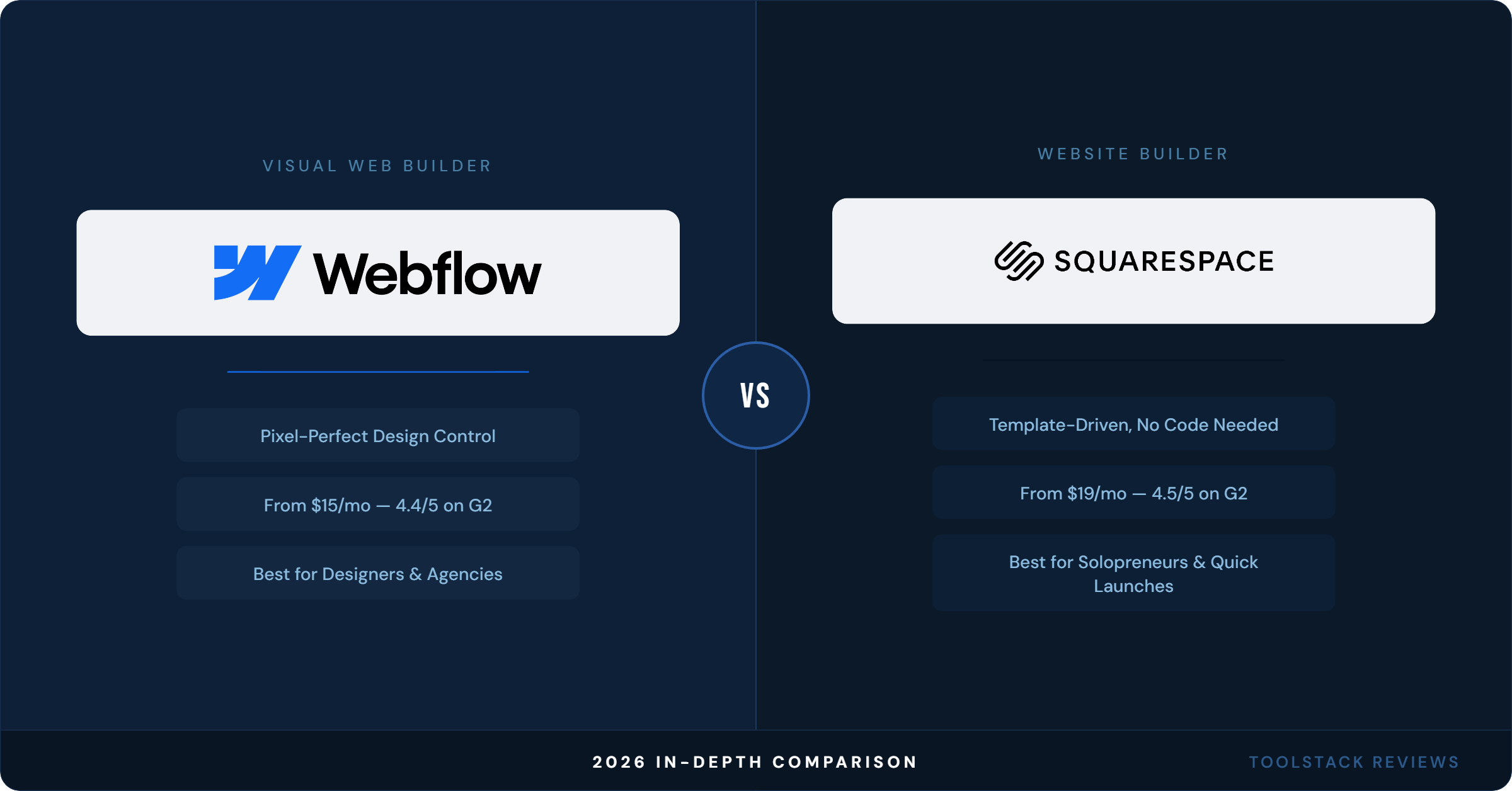
Webflow and Squarespace both promise a professional website without hiring a developer, but they solve completely different problems. Squarespace hands you a finished template and gets out of your way. Webflow hands you the same visual freedom a front-end developer has, then expects you to learn how CSS actually works. Pick wrong and you’ll either fight a rigid template for six months or burn three weekends fighting Flexbox for a landing page that didn’t need it.
Webflow vs Squarespace (2026): The Short Answer
If you want a site live this weekend with zero design decisions to second-guess, Squarespace wins. If you’re building something client-facing, need pixel-level control, or plan to hand a site off to a marketing team with a real content workflow, Webflow is worth the learning curve. Neither is “better” in the abstract — they’re built for different people, and most of the bad reviews on both platforms come from someone who picked the wrong one.
Webflow Pricing 2026: Every Plan, Verified
Webflow overhauled its pricing in May 2026, collapsing the old four-tier Site plan structure (Starter, Basic, CMS, Business) into three: Starter, Basic, and a new Premium tier. According to Webflow’s official pricing page (July 2026), here’s what each plan actually costs and includes:
- Starter — Free. Webflow.io subdomain only, 2 static pages, 1 GB bandwidth, 50 form submissions/month, limited CMS.
- Basic — $15/month billed annually ($25/month billed monthly). Custom domain, 300 static pages, 10 GB bandwidth, unlimited form submissions, password protection. No CMS.
- Premium — $25/month billed annually ($39/month billed monthly). Everything in Basic plus the full Webflow CMS, expanded bandwidth, code components, site search, and form file uploads. This plan replaces what used to be split across the CMS ($23/month) and Business ($39/month) tiers.
Ecommerce is a separate add-on layered on top of a Site plan: Standard runs $29/month (500 items, 2% transaction fee), Plus is $74/month (5,000 items, 0% transaction fee), and Advanced is $212/month (15,000 items, 0% fee) — all billed yearly, according to Webflow’s pricing page.
Collaboration costs extra too. A Workspace “Full” seat (needed to design or manage admin settings) runs $39/month per seat billed yearly; a “Limited” seat for content editing is $15/month per seat. Bandwidth overages beyond your plan’s included amount start at $20/month for an extra 50 GB on annual billing. If you’re budgeting for a small team, the realistic all-in cost is closer to $80–130/month once you add a Premium site plan, one or two seats, and any bandwidth headroom — not the $25 headline number.
Squarespace Pricing 2026: Every Plan, Verified
Squarespace runs four plans, all billed monthly or annually with roughly a 35% discount for paying yearly. Per Squarespace’s official pricing page (July 2026):
- Basic — $19/month. Custom domain, built-in AI tools, up to 2 contributors, 2.9% + $0.30 card processing, 2% transaction fee on online store sales, 7% fee on digital content/memberships.
- Core — $29/month. Unlimited contributors, advanced analytics, full CSS/JavaScript customization, one free professional email seat, 0% online store transaction fee, but still 5% on digital products and memberships.
- Plus — $49/month. Same feature set as Core with lower payment processing (2.7% + $0.30) and the digital content fee drops to 1%.
- Advanced — $99/month. Lowest processing rate (2.5% + $0.30), 0% transaction fee on everything including digital products, plus advanced Facebook/Instagram ad tools and API integrations for commerce.
The transaction fee structure is the detail most comparison articles skip: on the entry-level Basic plan, selling a $50 digital course template costs you $3.50 in platform fees before Squarespace’s payment processor even takes its cut. That fee doesn’t disappear until you’re on Plus or Advanced. Squarespace does not offer a free plan — you get a 14-day trial, and the site stays offline until you pick a paid tier.
Webflow vs Squarespace: Feature Comparison
Design Freedom
Webflow gives you a visual canvas that maps directly to HTML/CSS — every element, spacing value, and interaction is something you build by hand or copy from a component. Squarespace gives you a curated set of templates with a fixed set of style controls; you’re customizing within guardrails, not building from a blank canvas. That’s the entire trade-off in one sentence: Webflow has no ceiling and a steep floor, Squarespace has a low floor and a real ceiling.
Ecommerce
Squarespace bundles ecommerce into every plan starting at Basic, with fees dropping as you upgrade. Webflow treats ecommerce as a separate paid add-on stacked on top of a Site plan — so a Webflow store realistically starts at $15 (Basic) + $29 (Standard ecommerce) = $44/month minimum, versus Squarespace’s $19/month Basic plan with store functionality included.
Content Publishing (CMS)
Webflow’s CMS, available starting on the $25/month Premium plan, supports structured content types, filtering, and dynamic collection pages — genuinely closer to a lightweight headless CMS than a blog engine. Squarespace’s content tools are blog/page-based and easier for a non-technical owner to manage day to day, but they don’t offer the same structured-data flexibility for something like a searchable resource library with 500+ entries.
What Real Users Say
Webflow holds a 4.4/5 rating on G2 across 993 reviews and a 4.52/5 on Capterra across 266 reviews (both checked July 2026). Reviewers consistently praise design control and clean exported code, and just as consistently flag the learning curve — expect two to four weeks before Flexbox and the box model stop fighting you, according to multiple 2026 hands-on reviews.
Squarespace sits at 4.5/5 on G2 across roughly 1,744 reviews and 4.5/5 on G2’s seller page as well (checked July 2026). The recurring praise is template quality and ease of setup; the recurring complaint is inflexibility once you outgrow the template system and the cost of the higher tiers if you’re selling digital products.
On Reddit, the pattern is consistent across r/webflow, r/web_design, and r/graphic_design threads reviewed this month: professionals building client sites or anything design-heavy lean Webflow, while small business owners who just need a site live recommend Squarespace almost every time. Nobody in these threads argues both tools serve the same buyer.
Which One Should You Actually Use?
Choose Squarespace if you’re a solopreneur, service business, or creator who wants a polished site live in a weekend and doesn’t want to touch CSS. Choose Webflow if you’re a designer, agency, or marketer who needs pixel-perfect control, plans to scale a content-heavy site, or is building something you’ll eventually hand off to a dev team. If you’re choosing between the two purely to save money short-term, Squarespace’s Basic plan at $19/month beats Webflow’s cheapest usable option once you factor in Webflow’s per-seat collaboration costs.
ToolStack Verdict
| Category | Webflow | Squarespace |
|---|---|---|
| Starting price | Free (Starter) / $15/mo (Basic) | $19/mo (Basic, no free plan) |
| Ease of use | 7/10 — real learning curve | 9/10 — template-driven |
| Design flexibility | 10/10 | 6/10 |
| Ecommerce fees (entry tier) | 2% (Standard add-on) | 2% + 7% on digital products |
| G2 rating | 4.4/5 (993 reviews) | 4.5/5 (1,744 reviews) |
| Best for | Designers, agencies, content-heavy sites | Solopreneurs, service businesses, quick launches |
| Overall Score | 8.7/10 | 8.5/10 |
Get started: Try Webflow or Try Squarespace.
Frequently Asked Questions
Is Webflow more expensive than Squarespace?
Not necessarily at the entry level — Webflow’s Basic plan is $15/month annually versus Squarespace’s $19/month Basic plan. But Webflow’s costs scale up faster once you add ecommerce (a separate paid add-on), extra Workspace seats ($15–39/month each), and bandwidth overages, so a real small-team setup often lands higher than an equivalent Squarespace plan.
Can I switch from Squarespace to Webflow later without starting over?
There’s no direct one-click migration between the two platforms. Content and product data need to be exported and manually rebuilt in Webflow’s structure, since the CMS models and design systems don’t map to each other. Budget real time for this if you’re planning to outgrow Squarespace.
Does Webflow have a free plan like Squarespace?
Yes — Webflow’s Starter plan is free but limited to a webflow.io subdomain, 2 static pages, and 1 GB bandwidth, which isn’t enough for a real business site. Squarespace has no free plan at all; every published site requires a paid subscription after the 14-day trial.
Which platform is better for selling digital products?
Check current transaction fees on both before deciding — Squarespace charges 7% on digital content and memberships on its entry Basic plan, dropping to 0% only on the $99/month Advanced plan. Webflow’s ecommerce add-on starts at a flat 2% transaction fee regardless of product type on the Standard tier, dropping to 0% on the $74/month Plus tier. For high-volume digital product sales, verify the exact math against your expected revenue at each tool’s pricing page before committing.
Is Webflow harder to learn than Squarespace?
Yes, and reviewers are consistent about this in 2026 hands-on tests: expect two to four weeks of real practice before you’re comfortable in Webflow if you don’t already understand CSS fundamentals like the box model and Flexbox. Squarespace’s editor is designed so a non-technical user can publish a working site in a single afternoon.
⬇ FREE DOWNLOAD
Get The Lean Creator Stack
8 tool categories. Best free + paid picks for solopreneurs in 2026.