
Last updated: May 2026
If you’re evaluating email marketing tools in 2026, you’ve almost certainly landed on GetResponse at some point — usually because it showed up on a “best email marketing software” list, or because someone in a Facebook group mentioned it has a free plan. Note: GetResponse removed their permanent free plan in 2025 — there is now a 14-day free trial only. This review is for creators, solopreneurs, and small business owners who want a real assessment: what GetResponse actually does well, where it falls short, and whether it’s the right fit for your specific situation.
We tested the platform directly, verified current pricing, and compared it against the alternatives. No affiliate spin, no cherry-picked screenshots — just the actual picture.
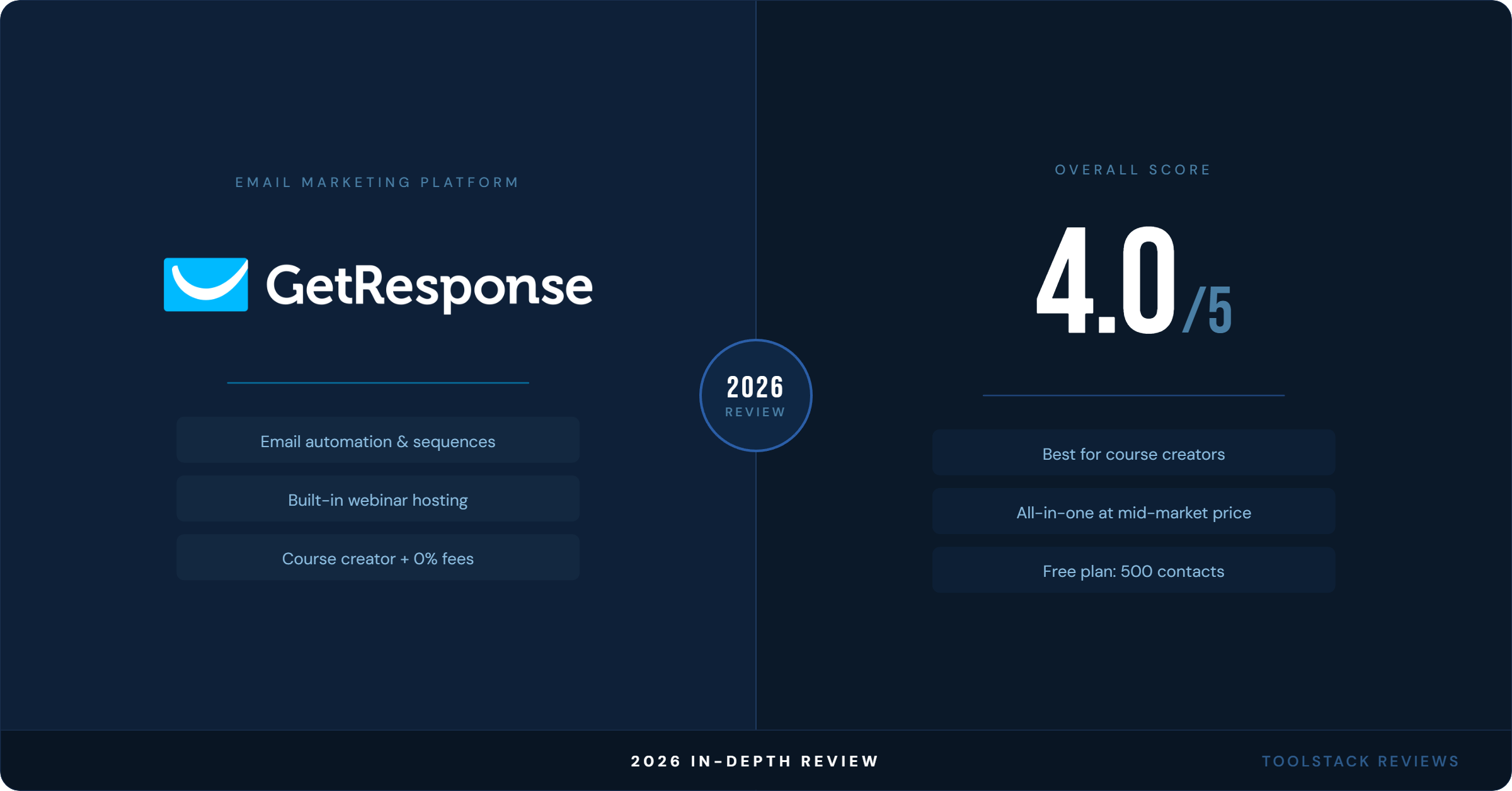
Quick Verdict: GetResponse is a legitimately solid email marketing platform — especially for course creators and solopreneurs who want email, automation, landing pages, and webinar hosting under one roof without paying enterprise prices. The 14-day free trial (no credit card required) lets you test the platform, the automation on the Marketer plan is competitive, and the Creator plan’s built-in webinar hosting is a genuine differentiator most competitors don’t match. The downsides: the interface feels a generation behind newer tools, deliverability is good but not best-in-class, and the Starter plan is oddly limited for the price. If email automation and content monetization are your primary goals, GetResponse deserves a serious look. If you’re optimizing purely for deliverability or need a modern UI, keep reading.
What Is GetResponse?
GetResponse started in 1998 as a simple autoresponder service — one of the oldest players in email marketing. That’s worth knowing, because it explains a lot about both its strengths and its quirks. Over two decades, it’s accumulated features the way older software tends to: steadily, sometimes inelegantly, but comprehensively.
Today, GetResponse positions itself not as a pure email tool, but as an all-in-one marketing platform. That means email campaigns, marketing automation, landing pages, a website builder, a course creator, webinar hosting, conversion funnels, and paid ad integrations — all in one account. Whether that breadth is a selling point or a red flag depends entirely on how you work.
The company is headquartered in Poland, serves customers in 183 countries, and — unlike some of the newer SaaS entrants — is actually profitable and bootstrapped. No VC pressure to 10x pricing. That’s not nothing.
GetResponse Pricing — The Real Picture
Pricing is contact-based, which means your monthly cost scales as your list grows. Here’s the current structure as of 2026:
Free Trial — 14 days (no credit card required)
- 500 contacts maximum
- 2,500 emails per month
- 1 landing page (up to 1,000 unique visitors/month)
- 1 popup form
- Basic website builder (1 site, 5GB bandwidth)
- GetResponse branding on everything — cannot be removed
- No automation workflows
- No A/B testing
The free plan is real — you can actually build a list and send emails without paying anything. But it’s limited in specific ways that will matter fast: no automation means you can’t set up a welcome series or any triggered campaigns. Think of it as a proof-of-concept tier, not a place to run a real business from.
Starter — $19/month (monthly) / $15.58/month (annual) for 1,000 contacts
- Unlimited email sends
- Landing pages (unlimited pages, unlimited visitors)
- Signup forms and popups
- Welcome email series (basic)
- 1 custom automation workflow only
- AI tools limited to 3 uses per month
- 3 users max
- No A/B testing, no contact tagging/scoring, no ecommerce tools
Here’s the honest take on Starter: it’s oddly crippled. One automation workflow is almost worse than none — you’ll immediately want more, and the upgrade to Marketer is a $40/month jump. At $19/month, you’re paying for a tool with serious guardrails. If you’re just getting started and need basic newsletter sending plus a landing page, it works. The moment you want real automation, you’re shopping for the next tier.
Marketer — $59/month (monthly) / $48.38/month (annual) for 1,000 contacts
- Unlimited automation workflows
- Advanced segmentation (tags, scoring, events)
- A/B testing, perfect timing, time travel delivery
- Sales funnels (lead magnet, sales, lead gen)
- Abandoned cart recovery
- Contact tagging and scoring
- Ecommerce tracking and tools
- Unlimited web push notifications
- Google Ads and Facebook Ads integration
- GetResponse Chats (5 seats)
- 5 users max
This is the plan most creators and solopreneurs should actually be evaluating. Marketer unlocks the full automation builder, which is genuinely good — multi-branch workflows, behavioral triggers, contact scoring, and conditional logic. At $59/month for 1,000 contacts, it’s competitive with ActiveCampaign Plus and Mailchimp Standard, and it includes conversion funnels that those tools charge extra for or don’t offer at all.
Creator — $69/month (monthly) / $56.58/month (annual) for 1,000 contacts
- Everything in Marketer, plus:
- Webinar hosting (up to 100 attendees, 3-hour recording storage, HD quality)
- Website builder (5 active websites, unlimited subpages)
- Course creator (unlimited courses, up to 40,000 students, 0% transaction fees)
- Premium newsletter subscriptions (paid)
- Webinar funnels
- Mobile app for students
- PayPal and Stripe integrations for course payments
The Creator plan is only $10/month more than Marketer, and it adds webinar hosting + a full course creator platform. For a creator selling digital courses or running regular webinars, this is arguably the best value tier in the market right now. Teachable charges 5% transaction fees. Kajabi starts at $179/month. GetResponse Creator gives you most of the same functionality bundled into a $69 email marketing platform.
Enterprise — Custom pricing
- Everything in Creator, plus dedicated IP, SMS marketing, transactional email, SSO, webinars up to 1,000 attendees, and a dedicated Customer Experience Manager
- Starting at 100,000+ contacts
The honest pricing verdict: GetResponse’s Starter tier is underwhelming for the money. Marketer and Creator are where the real value lives — and the $10 gap between them makes Creator a near-automatic choice for anyone doing content or courses. Annual billing saves 18%, which is worth factoring in if you’re committed to the platform.
Email Marketing Features
GetResponse has been doing email since 1998, and the depth shows. The email editor is drag-and-drop with a large template library — 100+ responsive templates organized by industry and use case. They’re not as visually polished as what you’d get from Beehiiv or ConvertKit for newsletter-first products, but they’re professional and functional.
What works well:
- Unlimited sends on all paid plans — no per-email pricing surprises
- AI-generated subject lines and email copy (unlimited on Marketer and above)
- Perfect Timing — AI picks the optimal send time for each subscriber based on past open behavior
- Time Travel — delivers emails at the same local time across time zones
- A/B testing on subject lines, content, send times, and from names (Marketer and above)
- Conditional content blocks — show different content to different segments within a single email
- RSS-to-email for bloggers and content publishers
What’s weaker:
- Template designs lean toward corporate/ecommerce — not ideal for personal newsletter brands
- The email editor has occasional lag on complex templates
- Mobile preview is functional but not as slick as newer tools
Deliverability: GetResponse has solid deliverability. According to EmailToolTester’s January 2024 benchmark — the most widely cited independent test — GetResponse scored 90.9%, above the overall average of 81.3%. ActiveCampaign topped the test at 94.2%; MailerLite averaged 94.41% across five rounds (the best multi-round average). GetResponse is competitive, not best-in-class. Shared IP infrastructure means your deliverability is partially dependent on other users’ sending behavior unless you’re on Enterprise with a dedicated IP. For most solopreneurs sending to an engaged list, this is a non-issue. If you’re running high-volume cold campaigns or need precision deliverability, look elsewhere — or upgrade to Enterprise.
Marketing Automation — Where It Actually Shines
The automation builder is GetResponse’s strongest asset on the Marketer plan, and it’s genuinely impressive for the price point.
The visual workflow builder is drag-and-drop, with trigger-based logic that covers the basics well: email opens, link clicks, form submissions, page visits (with the tracking script installed), ecommerce events, and custom events via API. You can build multi-branch sequences with if/else conditional logic, add wait timers, score contacts, and assign or remove tags mid-workflow.
For a welcome sequence, a lead magnet delivery workflow, or a post-purchase follow-up series, GetResponse automation handles all of it cleanly. The builder is more intuitive than ActiveCampaign’s (which is more powerful but has a steeper curve) and significantly deeper than Mailchimp’s automation, which still feels like an afterthought.
The one limitation worth flagging: the automation builder can feel clunky on complex, highly branched sequences. ActiveCampaign is still the benchmark for sophisticated multi-path automation at this price range. GetResponse is strong for 80% of use cases — if you’re building extremely complex behavioral automation with many parallel branches and custom events, you may find yourself bumping into limitations.
The conversion funnel builder (called “Conversion Funnel” in the interface) is an underrated feature. It strings together landing pages, emails, and payment steps into a cohesive flow — lead magnet funnel, product launch funnel, webinar funnel. It’s not as polished as ClickFunnels, but for someone who wants basic funnel logic without paying for a separate funnel tool, it gets the job done.
Landing Pages and Website Builder
GetResponse includes a landing page builder on all plans — unlimited pages on paid tiers, one page during the free trial. The builder is drag-and-drop with decent templates, and it covers the basics: opt-in pages, thank-you pages, sales pages, webinar registration pages.
The quality is what you’d expect from an email tool that added landing pages as a feature, not a company that built a landing page tool first. It works. It’s functional. It’s not going to replace a dedicated tool like Unbounce or Leadpages if landing page conversion rate is your obsession — but for someone who doesn’t want to manage a separate subscription just for landing pages, it’s a solid “good enough.”
The website builder (available on Creator and Enterprise) is a similar story — it lets you build a basic website without coding, using a template library. Five active websites on Creator. It’s not Webflow. It’s not even Squarespace. But for a creator who wants a simple home base and already pays for GetResponse, using the built-in website builder instead of paying $16/month for Squarespace makes financial sense.
Webinars — The Real Differentiator
This is the feature that genuinely sets GetResponse apart from virtually every competitor at this price point.
Built-in webinar hosting is included in the Creator plan ($69/month), with no third-party tool required. You get:
- Up to 100 attendees per webinar
- 3 presenters
- HD video quality
- 3 hours of recording storage
- Webinar landing pages and registration forms built into the platform
- Webinar replay sharing
- Integration with email automation (auto-follow-up sequences for registrants and attendees)
Zoom Webinars starts at $79/month. Demio starts at $59/month for 50 attendees. GetResponse Creator at $69/month gives you webinars plus a full email marketing platform plus courses plus landing pages. If you run regular webinars as part of your business — launches, training sessions, onboarding calls — this is a meaningful cost savings and a reason to choose GetResponse specifically.
The webinar tool itself is browser-based (no app install required for attendees), which reduces friction. It’s not as feature-rich as Zoom or Riverside for production-quality broadcasting, but for a business webinar or a course-launch presentation, it does the job.
Course Creator and Content Monetization
The Creator plan also bundles a full course creation platform — and this one deserves attention. You get:
- Unlimited courses
- Up to 40,000 students
- 0% transaction fees (you keep everything)
- Drip content scheduling
- Student mobile app
- Certificates of completion
- PayPal and Stripe payment integrations
- Premium newsletter subscriptions (paid)
Teachable’s free plan takes a 10% cut; their paid plans start at $39/month and still charge fees at lower tiers. Kajabi starts at $179/month. GetResponse Creator at $69/month — with no transaction fees and up to 40,000 students — is a serious contender for course creators who are already paying for email marketing anyway. Why pay two separate subscriptions?
The course platform isn’t as polished as Kajabi or Thinkific in terms of student UX and course design options. But for a solopreneur launching their first or second course, the functionality is more than adequate, and the cost savings are real.
Ease of Use
Here’s where GetResponse shows its age. The interface isn’t bad — it’s just not modern. Navigation is functional but can feel cluttered, especially when you’re trying to find a specific feature across the sprawl of email, automation, landing pages, funnels, webinars, and courses. New users sometimes report spending time just figuring out where things live.
The onboarding flow has improved — there’s a setup wizard and contextual help throughout — but compared to tools like ConvertKit (now Kit) or Flodesk, which feel like they were designed in the last five years, GetResponse feels like a tool that’s been adding rooms onto the same house for two decades. It works. The pipes are good. But the layout isn’t always intuitive.
The email editor is responsive and the drag-and-drop works reliably. Automation builder is one of the better visual builders once you get past the learning curve. The funnel builder is actually more approachable than ClickFunnels. But that first week of orientation is real — plan for it.
Support is solid: 24/7 live chat in English, email support in 6 languages, and a help center that’s extensive if not always easy to search. Response times are generally fast.
Who Should Use GetResponse
- You’re a course creator or online educator who wants email marketing and webinar hosting in one tool — the Creator plan is purpose-built for you
- You’re a solopreneur building an audience and want email automation, landing pages, and basic funnels without managing five separate subscriptions
- You’re starting out and want a free plan that’s an actual starting point, not a lead-gen gimmick — 500 contacts and 2,500 emails/month is enough to test your audience-building approach
- You run webinars regularly — launches, trainings, Q&As — and the cost of a separate webinar platform is adding up
- You want conversion funnels and automation at mid-market pricing without paying for a stack of separate tools
- You’re selling digital products or courses and want to skip the Teachable or Kajabi subscription
Who Should Skip It
- You’re primarily a newsletter creator — tools like Kit (formerly ConvertKit), Beehiiv, or Substack are built specifically for that use case and have better UX for reader-first products
- Deliverability is your top priority — if you’re sending high-volume transactional emails or need precision inbox placement, dedicated deliverability-focused tools are a better fit
- You want the cleanest, most modern interface — if UI quality significantly affects your workflow satisfaction, look at newer entrants first
- You need deep CRM functionality — GetResponse has basic contact management, but if you need deal pipelines, sales activity tracking, and revenue attribution, HubSpot or Salesforce are the right conversation
- Your list is under 500 contacts and you just need basic email — Mailchimp, MailerLite, and Brevo all have solid free plans for small lists; GetResponse isn’t automatically better at zero cost
- You need advanced SMS marketing — SMS is only available on Enterprise; if SMS automation is central to your strategy, Klaviyo or Brevo are better fits at lower price points
The ToolStack Verdict
GetResponse 2026 — Scored
| Category | GetResponse | Score |
|---|---|---|
| Email Marketing | Deep feature set, unlimited sends, solid templates, good A/B testing on Marketer+ | ⭐⭐⭐⭐ (4/5) |
| Automation | Visual builder is strong, competitive at the Marketer tier; complex multi-branch flows can feel clunky | ⭐⭐⭐⭐ (4/5) |
| Deliverability | Good but not best-in-class; shared IP infrastructure on lower tiers | ⭐⭐⭐ (3/5) |
| Ease of Use | Functional but dated; learning curve in week one; strong once you know your way around | ⭐⭐⭐ (3/5) |
| Landing Pages & Funnels | Better than expected; unlimited pages on paid plans; conversion funnel builder is a real feature | ⭐⭐⭐⭐ (4/5) |
| Webinars | Built-in on Creator plan — genuine differentiator; saves $60–80/month vs. separate webinar tool | ⭐⭐⭐⭐⭐ (5/5) |
| Course Creator | Unlimited courses, 40K students, 0% fees — exceptional value vs. Kajabi/Teachable at this price | ⭐⭐⭐⭐⭐ (5/5) |
| Value for Money | Starter is underwhelming; Marketer and Creator plans are genuine value, especially at Creator tier | ⭐⭐⭐⭐ (4/5) |
| Best For | Course creators, solopreneurs, and educators who want email + webinars + courses in one platform | |
| Skip If | You primarily run a newsletter, need top-tier deliverability, want a modern interface, or need deep CRM | |
The bottom line: GetResponse isn’t the flashiest tool in the market, and it’s not trying to be. What it is — particularly at the Creator tier — is one of the best-value all-in-one platforms for solopreneurs who want email marketing, automation, landing pages, webinars, and course hosting without managing five separate subscriptions. The $69/month Creator plan competes favorably with combinations of tools that would run $150–200/month separately. If your business runs on content, courses, and list-building, try GetResponse — the 14-day trial is a real place to start, and the upgrade path makes sense. If you need cutting-edge UI design, elite deliverability, or deep CRM capabilities, keep looking.
Looking for alternatives? AWeber is worth a look if you want a simpler interface with a free plan — it offers 30% recurring commissions and has strong deliverability for a lower price point than GetResponse.
Frequently Asked Questions
Is GetResponse free?
GetResponse no longer offers a permanent free plan as of 2025. There is a 14-day free trial (no credit card required) that lets you test the platform. Paid plans start at $15.58/month (annual, 1,000 contacts). There are no automation workflows on the free plan — only a basic welcome email. For real business use, the Marketer plan ($48.38/month billed annually at 1,000 contacts) is the practical starting point.
What is GetResponse’s deliverability rate?
According to EmailToolTester’s January 2024 benchmark, GetResponse scored 90.9% — above the overall platform average of 81.3%. For comparison, ActiveCampaign scored 94.2% (top of the test) and HubSpot scored 77.7% (lowest of major platforms). GetResponse is a solid mid-tier performer on deliverability.
Does GetResponse have webinar hosting?
Yes — this is one of GetResponse’s genuine differentiators. The Creator plan ($56.58/month annually for 1,000 contacts) includes webinar hosting for up to 100 attendees, 3 presenters, HD video, and 3 hours of recording storage — no third-party tool required. Zoom Webinars starts at $79/month; Demio starts at $59/month for 50 attendees. GetResponse bundles this into an email marketing platform at a lower combined cost than most alternatives.
How does GetResponse compare to Mailchimp?
GetResponse is the better choice for most active email marketers. GetResponse’s Marketer plan ($48.38/month at 1,000 contacts) includes unlimited automation, A/B testing, and conversion funnels — features that Mailchimp locks behind its Standard plan ($20/month) with significantly more restrictions. At scale (10,000 contacts), GetResponse Marketer runs ~$65/month; Mailchimp Standard runs ~$110/month. GetResponse also scores higher on deliverability: 90.9% vs Mailchimp’s 89.5% in the January 2024 EmailToolTester benchmark.
Can GetResponse replace Teachable or Kajabi?
Partially. The Creator plan includes unlimited courses, up to 40,000 students, 0% transaction fees, a student mobile app, and PayPal/Stripe payment integrations — bundled with email marketing at $56.58/month. Teachable’s free plan takes 10%; paid plans start at $39/month and still charge transaction fees at lower tiers. Kajabi starts at $179/month. For a solopreneur selling one or two courses who’s already paying for email marketing, GetResponse Creator consolidates real costs. It’s not as polished as Kajabi for multi-product course businesses.
⬇ FREE DOWNLOAD
Get The Lean Creator Stack
8 tool categories. Best free + paid picks for solopreneurs in 2026.