
Last updated: May 2026
ClickUp has been promising to replace every app on your stack since 2017. Nine years later, it actually does — at least for most teams. But the question isn’t whether ClickUp can do the thing. It’s whether it can do your thing without a six-week setup spiral and a support ticket queue.
This review covers the real ClickUp in 2026: what’s changed with the 4.0 release, what the pricing actually gets you, how it stacks up against Notion and Asana, and when you should walk away entirely.
ClickUp Review 2026: What’s Actually Changed
ClickUp 4.0 launched in early 2026 and it’s the cleanest major release the company has shipped. ZenPilot — ClickUp’s top-rated solutions partner with 3,100+ teams onboarded — scored it 8.5/10 overall, calling it “the most polished major ClickUp release in 8 years.” That’s not hype. The 3.0 rollout was rough. 4.0 is different.
The headline additions: a rebuilt Workload view with infinite horizontal scroll and smooth zoom, a Teams Hub with stack-ranked priority views and AI-powered standups, an updated navigation that finally makes sense, and ClickUp Chat with scheduled messages and pinned cards. The Planner (AI scheduling) is still catching up to Motion, and the mobile app — particularly SyncUps — has bugs. But core performance is meaningfully faster than 3.0.
ClickUp also officially adopted subfolders in 4.0, adding a new hierarchy level: Workspace → Spaces → Folders → Subfolders → Lists → Tasks → Subtasks. Useful for agency teams managing multiple regions or clients under one folder. Still in beta as of May 2026 — don’t restructure your entire workspace around it yet.
Who Uses ClickUp in 2026
According to Fueler.io (2025/26 data), ClickUp has surpassed 22 million monthly active users across 400,000+ organizations. The platform manages over 250 million tasks per month. Automation adoption grew 70% year-over-year — the fastest-growing feature on the platform. Revenue is projected at around $500 million annually with a ~$6 billion valuation, and customer retention sits above 85%.
On G2 (May 2026), ClickUp holds a 4.6/5 rating across 12,375 verified reviews — 81% of which are five stars. The top G2 praise categories are ease of use (mentioned by 4,220 reviewers), task management (3,219), and overall feature breadth (3,116). Capterra shows a comparable 4.6/5 score. In G2’s Spring 2026 reports, ClickUp ranked in the top 3 across 560 categories and ranked #1 in 82 of them.
The flip side: the most common G2 complaint is the learning curve (1,752 mentions), followed by slow loading on some views (1,155) and the mobile app experience (consistent across review platforms). If your team wants to open an app and just work, ClickUp is not that app on day one.
ClickUp Pricing: Every Plan, Every Number
All pricing below is from ClickUp’s official pricing page, verified May 2026. Annual billing applies.
Free Forever — $0
60MB storage, unlimited tasks, unlimited free plan members, Kanban boards, sprint management, calendar view, in-app video recording, one form, and 24/7 support. Solid for individuals. The storage cap becomes a problem quickly on team use.
Unlimited — $7/user/month (annual)
Unlimited storage, spaces, folders, forms, Gantt charts, integrations, and custom fields. Native time tracking, goals, portfolio management, guest permissions with controls, and the ClickUp Chat and Email features unlock here. Monthly billing is $10/user/month.
Business — $12/user/month (annual)
Everything in Unlimited plus unlimited dashboards, 5,000 automations/month, mind mapping, private whiteboards, custom exporting, sprint reporting, Google SSO, and webhooks. This is the plan most growing teams land on. Monthly billing is $19/user/month.
Enterprise — Custom pricing
250,000 automations/month, SAML SSO, SCIM provisioning, audit log, custom roles, custom branding, data residency, HIPAA compliance, dedicated customer success manager, and live onboarding. Contact sales.
AI Add-ons (separate from core plans)
ClickUp’s AI is not bundled into core plans — it’s a separate add-on stack. Brain AI runs $9/user/month and covers the AI assistant, multi-model chat (Claude, ChatGPT, Gemini), AI writing, and 1,500 AI Super Credits per user per month. Everything AI is $28/user/month and adds the full agentic suite: AI Notetaker, Image Generation, AI Fields, AI Automations and Dashboards, and 5,000 AI Super Credits per user per month. Credits cost $0.001 each ($10 per 10,000) when you need more.
The AI pricing is the sharpest edge in the ClickUp value debate right now. Asana’s Starter plan at $10.99/user/month includes AI features in the base price. ClickUp’s Business plan at $12/user/month doesn’t — you’re looking at $21/user/month minimum once you add Brain AI. That’s worth knowing before you run any comparison.
ClickUp vs. The Competition
ClickUp vs. Notion
Notion’s Plus plan is $12/user/month (annual); Business is $20/user/month (annual). The free plan caps at 1,000 blocks and 10 guests. ClickUp’s free plan has no block limit and allows unlimited members. If your team works heavily in documents and databases — and doesn’t need project management depth — Notion is the better fit. If you need real task tracking, dependencies, automations, and time tracking, ClickUp wins by a significant margin. Most teams that outgrow Notion move to ClickUp, not the other way around.
ClickUp vs. Asana
Asana’s Starter plan is $10.99/user/month (annual) with AI features built in. Asana’s Advanced plan is $24.99/user/month (annual). ClickUp’s Business ($12/user/month) plus Brain AI ($9/user/month) comes to $21/user/month — pricier than Asana Starter but with significantly more customization. Asana wins on UI simplicity and onboarding time. ClickUp wins on raw feature depth and automation ceiling. The right answer depends on how much complexity your team actually needs.
Where ClickUp Genuinely Shines
Hierarchy and flexibility. No other tool in this category gives you the same combination of Workspace → Spaces → Folders → Lists → Tasks → Subtasks. For agencies managing multiple clients, or operations teams running parallel workstreams, this structure matters. G2 reviewers mention this more than any other single feature.
View flexibility on the same data. Switch a list from Board to Gantt to Calendar to Table without changing anything. Every view pulls from the same underlying tasks. This sounds basic but very few tools actually execute it well.
Automations. The Business plan’s 5,000 automations/month covers most real use cases without extra cost. Adoption grew 70% YoY on the platform — that’s a signal that users are actually using them, not just having them available. Asana’s automation is included but shallower. Monday.com’s automation is comparable but pricier at the equivalent tier.
Replacing your stack. ClickUp’s own pricing page calculator makes the point: for a 500-person team replacing Slack, Google Drive, Salesforce, and Loom, the combined cost is around $354,000/year versus $72,000/year on ClickUp. Those comparisons are always a bit optimistic, but the directional point holds. If your team is paying separately for a project manager, a doc tool, a chat app, and a time tracker, ClickUp can eliminate at least two of them.
Where ClickUp Falls Short
The learning curve is real. 1,752 G2 reviews cite it explicitly. New users routinely spend 2–4 weeks getting their workspace structure right. TaskRhino called ClickUp “the Android of productivity tools” — more powerful than iOS, but you have to learn to drive it. Teams that need to onboard fast (agencies with high turnover, small businesses without an ops lead) often find this friction exhausting.
The mobile app is still behind. ZenPilot scored mobile at 6/10. SyncUps (video calls) are buggy on mobile. Load times are slower than the desktop experience. For field teams or anyone who lives in the mobile app, this is a meaningful gap.
AI costs money extra. This will surprise anyone coming from Asana or Notion, both of which have started bundling AI at the plan level. ClickUp’s AI is an add-on. The Everything AI tier at $28/user/month on top of the $12/user/month Business plan gets expensive fast for larger teams.
Paid support. Multiple G2 reviewers flagged this — ClickUp’s best onboarding and support resources are behind a paywall. For enterprise teams with a customer success manager this doesn’t matter, but mid-market teams sometimes feel left on their own.
ToolStack Verdict
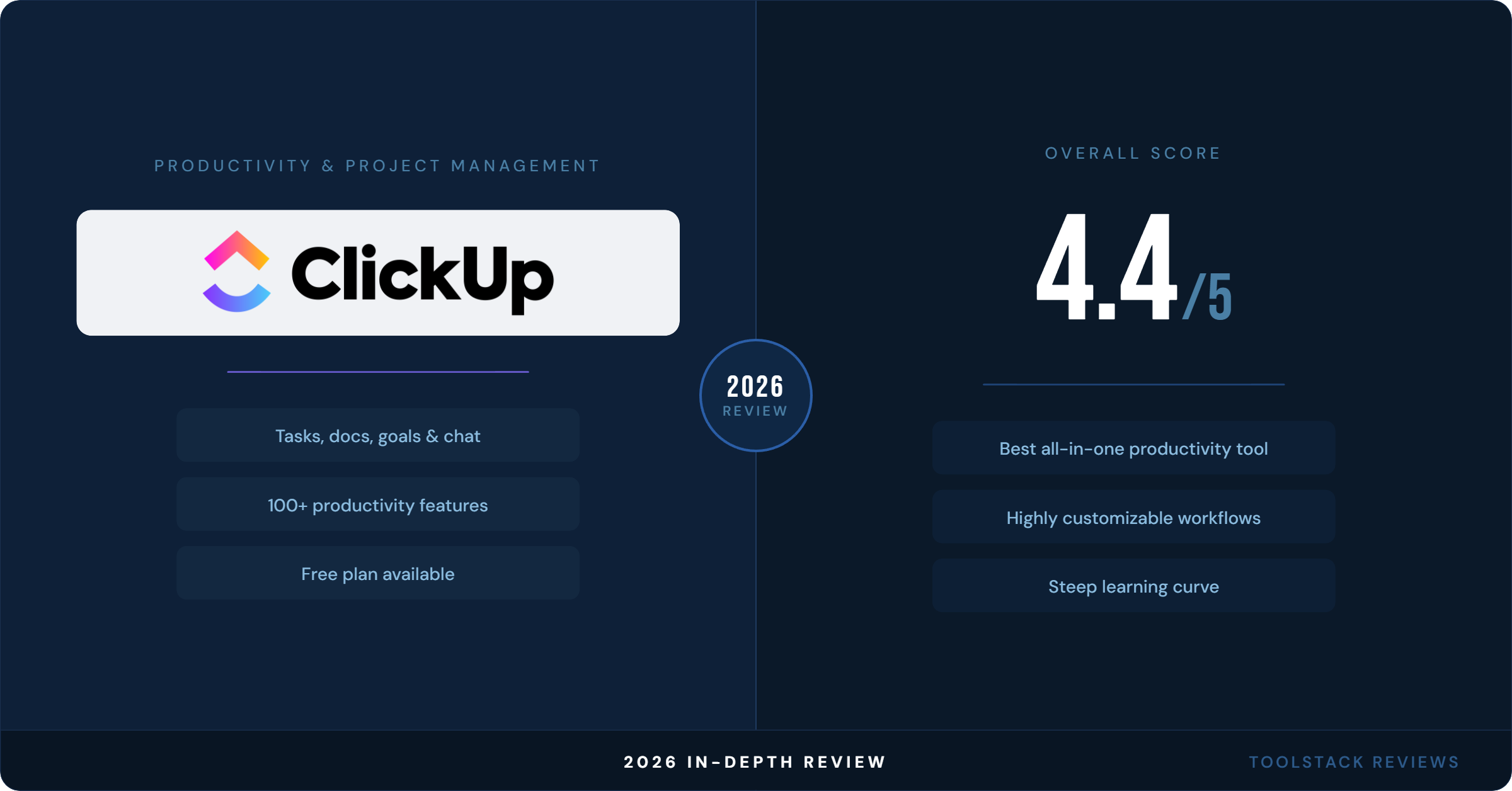
ClickUp 4.0 is the most capable all-in-one project management tool available at its price point. For teams willing to invest in setup, the return is real. For teams that need something running in a day, look at Asana or a lighter alternative.
| Category | Score | Notes |
|---|---|---|
| Feature Depth | ⭐⭐⭐⭐⭐ 5/5 | Best-in-class at this price |
| Ease of Use | ⭐⭐⭐ 3/5 | Steep curve, improves with time |
| Value for Money | ⭐⭐⭐⭐ 4/5 | Strong on core plans; AI adds cost |
| Mobile App | ⭐⭐⭐ 3/5 | Core tasks work; SyncUps buggy |
| Automations | ⭐⭐⭐⭐⭐ 5/5 | 5,000/month on Business; 70% YoY adoption growth |
| Integrations | ⭐⭐⭐⭐⭐ 5/5 | 1,000+ native integrations |
| Overall | ⭐⭐⭐⭐ 4.2/5 | Best all-in-one for teams that invest in setup |
Best for: Agencies, operations-heavy teams, software teams managing projects and docs in one place, anyone currently paying for multiple separate tools.
Skip if: You need fast onboarding, you’re a solo user or pair who just wants a task list, or your team already has deeply embedded tools for docs and communication.
Frequently Asked Questions
What does ClickUp’s free plan actually include?
The ClickUp Free Forever plan includes unlimited tasks, unlimited free plan members, Kanban boards, sprint management, calendar view, in-app video recording, and one form. Storage is capped at 60MB. There’s no limit on the number of users or tasks — the main restrictions are storage and access to advanced features like Gantt charts and automations, which require a paid plan.
Is ClickUp AI included in the base price?
No. ClickUp’s AI features are a separate add-on, not bundled into core plans. The Brain AI add-on costs $9/user/month and the Everything AI add-on costs $28/user/month, on top of your core plan subscription. This is different from Asana, which includes AI features starting at the $10.99/user/month Starter plan.
What’s new in ClickUp 4.0?
ClickUp 4.0, which became the default interface for all workspaces on February 27, 2026, introduced a rebuilt Workload view, a new Teams Hub with capacity visualization and AI standups, an updated global navigation, ClickUp Chat improvements (scheduled messages, pinned cards, assigned comments), a new Personal List / Assigned to Me split in My Tasks, and subfolder support in beta. ZenPilot rated it 8.5/10 — the highest score of any major ClickUp release.
How does ClickUp compare to Asana on pricing?
At the entry paid tier, Asana Starter is $10.99/user/month (annual) with AI included. ClickUp Unlimited is $7/user/month (annual) without AI — but $16/user/month once you add Brain AI. At the mid tier, ClickUp Business ($12/user/month) plus Brain AI ($9/user/month) totals $21/user/month versus Asana Advanced at $24.99/user/month. ClickUp has a higher automation ceiling and more views; Asana has a cleaner UI and faster onboarding.
Does ClickUp work for solo users?
It can, but it’s overkill for most solo use cases. The Free Forever plan is genuinely free with unlimited tasks, and some solo users run lean setups effectively. That said, the tool is designed for teams. The hierarchy (Workspace → Spaces → Folders → Lists) takes time to set up for solo work, and the full value of ClickUp — automations, shared dashboards, workload management — only shows up when there are multiple people using the workspace. For solo task management, simpler tools like Todoist or Notion are faster to get going.
⬇ FREE DOWNLOAD
Get The Lean Creator Stack
8 tool categories. Best free + paid picks for solopreneurs in 2026.