
Last updated: June 2026
Most SEO content tools give you a keyword and wish you luck. Surfer SEO actually tells you what the top-ranking pages are doing differently — word count, heading structure, NLP terms, internal links — and scores your content against that benchmark in real time. For bloggers who want to compete on search, that’s a genuinely useful edge.
But Surfer has changed a lot in the last 12 months. The pricing looks different. AI search tracking is now built in. There’s a whole new angle around getting cited in ChatGPT and Perplexity, not just ranking in Google. This review covers what’s actually in the tool right now, who it’s worth the money for, and where it falls short.
What Surfer SEO Actually Does
Surfer is a content optimization platform. You give it a target keyword, it pulls the top-ranking SERP results and runs an analysis of 500+ on-page signals, then gives you a 0–100 Content Score to optimize against as you write. That score updates in real time inside the Content Editor — which lives inside Google Docs or the Surfer interface directly.
The point isn’t to game Google’s algorithm. Surfer’s analysis is descriptive: the pages that rank are doing these things, so your content should too. That’s a defensible way to think about optimization, and it’s why the tool has built a following among serious content teams.
In 2026, Surfer has pushed beyond traditional SEO into AI search visibility. The Pro and Peace of Mind plans now include an AI Tracker that monitors how often your brand or content gets cited across ChatGPT, Perplexity, Google AI Mode, Google AI Overview, and Google Gemini. That’s a real differentiator — most competing tools don’t touch this yet.
Surfer SEO’s Key Features in 2026
Content Editor
The core product. Type your target keyword, and Surfer builds a live brief with recommended word count, heading suggestions, NLP terms to include, and a running Content Score. The score reflects how your draft compares to current top-ranking pages for that keyword. It works inside Google Docs via a sidebar extension or directly in Surfer’s own editor. According to cited.so’s analysis of 294 G2 reviews (conducted November 2025–March 2026), 92% of Surfer users specifically praised the Google Docs integration.
AI Tracker
New-ish and genuinely interesting. The AI Tracker lets you monitor specific prompts — things like “best email marketing tool for bloggers” — and see whether your content is being cited in the answers generated by AI platforms. Standard plan tracks up to 25 prompts per week (ChatGPT only). Pro jumps to 50 prompts refreshed daily across all five major AI platforms. Peace of Mind gets 100 daily prompts. Discovery gets none.
For anyone building content for AI search visibility in 2026, this is now a legitimate part of the workflow. Clearscope, Frase, and most other content optimization tools don’t offer this at all.
Surfer AI
Surfer’s built-in content generation tool. Give it a keyword and brand context, and it generates a full optimized draft — typically 2,000–3,500 words — with the Content Score baked in from the start. The June 2026 product update added an “AI-Powered Content Editor Wizard” that loads brand context, competitive data, and Surfer’s AI writing tools before generating. Useful for scaling content output, though human editing is still needed for anything where voice and perspective matter.
Content Audit
Connects to Google Search Console and flags pages that have dropped in rankings. Useful for finding existing content worth updating rather than always producing net-new articles. Rank Drop Detection is available on Standard and above.
Topical Map and Keyword Research
Surfer’s Topical Map shows which subtopics you need to cover to build authority around a subject area. It’s not a replacement for Ahrefs or Semrush on keyword research — those tools have far deeper backlink data, site audit capabilities, and rank tracking. But for planning a content cluster and identifying coverage gaps, Surfer’s keyword and topical tools are solid. If you need a full SEO suite alongside content optimization, check out our breakdown of Semrush vs Ahrefs (2026) — Surfer complements either of those tools rather than competing with them.
Other Tools Worth Mentioning
- Cannibalization Report (Pro+): Flags keyword cannibalization across your site — useful for larger content libraries
- 1-Click Internal Linking (Pro+): Suggests and applies internal links automatically based on your existing content
- AI Humanizer: Rewrites AI-generated content to reduce detection signals
- Plagiarism Checker: Built in on Standard and above
- Brand Knowledge: Store brand voice, guidelines, and context that Surfer AI pulls from automatically
Surfer SEO Pricing Plans (2026): Every Tier Explained
Surfer overhauled its plan structure. Here’s what’s available as of June 2026, verified directly from surferseo.com/pricing:
Discovery — $49/month
Entry point for solo creators testing the tool. Includes 120 documents, 1 team seat, basic Content Editor, SERP analysis, Surfy (AI assistant), and the AI Humanizer. No AI prompt tracking at all. WordPress and Google Docs integrations included. The document limit will bind fast for anyone publishing regularly.
Standard — $99/month
360 documents, 3 team seats, and 25 AI prompts tracked per week — but only on ChatGPT. Adds plagiarism checking, rank drop detection, and team collaboration. 1-week version history. This is a reasonable starting point for a small team or busy solo blogger, though the weekly prompt refresh is limiting compared to Pro.
Pro — $182/month (Most Popular)
Everything in Standard plus 50 AI prompts tracked daily across all five AI platforms (ChatGPT, Perplexity, Google AI Mode, Google AI Overview, Google Gemini). Adds 1-click internal linking, a cannibalization report, content ideas, coverage gap analysis, 5 brand workspaces, custom templates, and Contentful integration. 5 team seats. This is the tier where Surfer becomes a comprehensive content operations platform rather than just a content editor.
Peace of Mind — $299/month
Surfer’s Peace of Mind plan at $299/month unlocks API access, Zapier integration, and unlimited brand workspaces — none of which are available on lower tiers. 100 AI prompts tracked daily, unlimited documents (fair usage), 10 team seats, dedicated success manager, personalized onboarding, and advanced SERP analysis. For agencies managing multiple clients or large-scale publishing operations, this tier makes sense. Everyone else, Pro is sufficient.
Enterprise — $999+/month
Custom limits, SSO, white-label option, legal onboarding, advisory program, and early feature access. Contact Surfer’s sales team directly.
Annual Discount
Annual billing saves up to 17% compared to monthly. No free trial — Surfer offers a 7-day money-back guarantee instead.
| Plan | Price/mo | Documents | AI Prompts Tracked | Seats |
|---|---|---|---|---|
| Discovery | $49 | 120 | 0 | 1 |
| Standard | $99 | 360 | 25 (weekly, ChatGPT only) | 3 |
| Pro ⭐ | $182 | 360 | 50 (daily, all 5 platforms) | 5 |
| Peace of Mind | $299 | Unlimited* | 100 (daily, all 5 platforms) | 10 |
| Enterprise | $999+ | Custom | Custom | Custom |
*Fair usage policy applies. Prices verified at surferseo.com/pricing, June 2026.
How Surfer SEO Compares to the Competition
The content optimization category has several credible tools. Here’s where they actually differ:
Surfer vs. Clearscope — Clearscope’s Essentials plan starts at $189/month for 20 content reports, which works out to roughly $9.45 per article when fully utilized. It’s cleaner, more editorial-friendly, and has a shallower learning curve. But it has no AI writing, no AI search tracking, and no content audit. Surfer is a broader platform. Clearscope is a better fit for teams that want a simple scoring layer without workflow complexity.
Surfer vs. Frase — Frase is strongest on content briefs and research. It combines SERP research, outline generation, and optimization in a single interface, making it particularly efficient for solopreneurs managing the whole content process solo. Surfer’s Content Editor is more polished, and the AI Tracker has no equivalent in Frase. Frase tends to be less expensive at similar output volumes.
Surfer vs. NeuronWriter — NeuronWriter starts around $19/month and offers solid NLP-based content scoring. If budget is the primary constraint, it’s a legitimate option. The tradeoff is a less refined interface, fewer integrations, and no AI search tracking whatsoever.
Surfer vs. Semrush/Ahrefs — These aren’t the same category. Surfer does not do backlink analysis, rank tracking at scale, technical site audits, or competitive domain research. Surfer sits alongside those tools, not in place of them. If you’re already using Semrush or Ahrefs and need a content editor layer, Surfer is the obvious addition. See our Semrush vs Ahrefs comparison for a full breakdown of those two platforms.
What Real Users Are Saying
According to G2 (June 2026), Surfer has 544 reviews averaging 4.8/5. On Capterra, it rates 4.9/5. Those are strong numbers across a meaningful review volume.
Common praise in reviews: the Content Editor is genuinely useful and reduces guesswork when writing for Google. The Google Docs integration is cited frequently — it’s frictionless for most content workflows. The AI Tracker is newer and gets mixed reviews; some users find it genuinely useful for AI search monitoring, others say it’s hard to act on the data it surfaces.
Common complaints: Surfer’s content scoring underperforms for non-English content — this is a documented limitation and worth knowing if you’re producing Spanish, French, or other language content. The pricing structure has shifted upward recently, and some longtime users feel the value math is harder to justify at the $182 Pro tier compared to previous pricing. A Capterra reviewer noted that at “nearly five times the cost of comparable tools, Surfer AI simply doesn’t deliver enough unique value to justify the premium” — pointing specifically at the per-article AI generation cost compared to alternatives.
Surfer’s customer list includes Shopify, Intuit, Mailchimp, L’Oréal, FedEx, and ClickUp — so it clearly works at enterprise scale. But the review sentiment suggests the sweet spot is professional content teams at mid-market, not solo bloggers on tight budgets.
Who Should (and Shouldn’t) Use Surfer SEO
Good fit for:
- Content teams producing 10+ optimized articles per month
- SEOs who want a content editor that integrates directly into Google Docs
- Anyone building content for AI search citations alongside traditional rankings — the AI Tracker is unique
- Agencies or teams that need Brand Knowledge, custom templates, and multi-workspace support
Not a good fit for:
- Bloggers publishing fewer than 4–5 posts per month — the per-article cost is hard to justify
- Non-English content operations — scoring accuracy drops outside English
- Anyone who needs backlink analysis, technical SEO audits, or rank tracking — Surfer doesn’t cover those
- Pure AI content shops looking for cheap per-article generation — Frase or standalone AI writers will cost less
If you’re building content seriously for search — human-written, keyword-targeted, structured to rank — Surfer is one of the better tools in the category. If you’re producing AI-first content at volume and just need a scoring layer, the Discovery or Standard plan may be all you need. Starting on Discovery ($49) and upgrading once you’ve validated the workflow is a reasonable approach.
ToolStack Verdict
| Category | Score | Notes |
|---|---|---|
| Ease of Use | ⭐⭐⭐⭐ (4/5) | Google Docs integration is smooth; dashboard has a learning curve |
| Feature Depth | ⭐⭐⭐⭐⭐ (5/5) | AI Tracker is industry-leading; content editor is best-in-class |
| Value for Money | ⭐⭐⭐ (3/5) | Pro at $182/mo is steep; Discovery at $49 is fair for solo use |
| Integrations | ⭐⭐⭐⭐ (4/5) | Google Docs, WordPress, Contentful, Jasper; Zapier locked to $299 plan |
| Support | ⭐⭐⭐⭐ (4/5) | 24h chat Mon–Fri; dedicated CSM only on Peace of Mind+ |
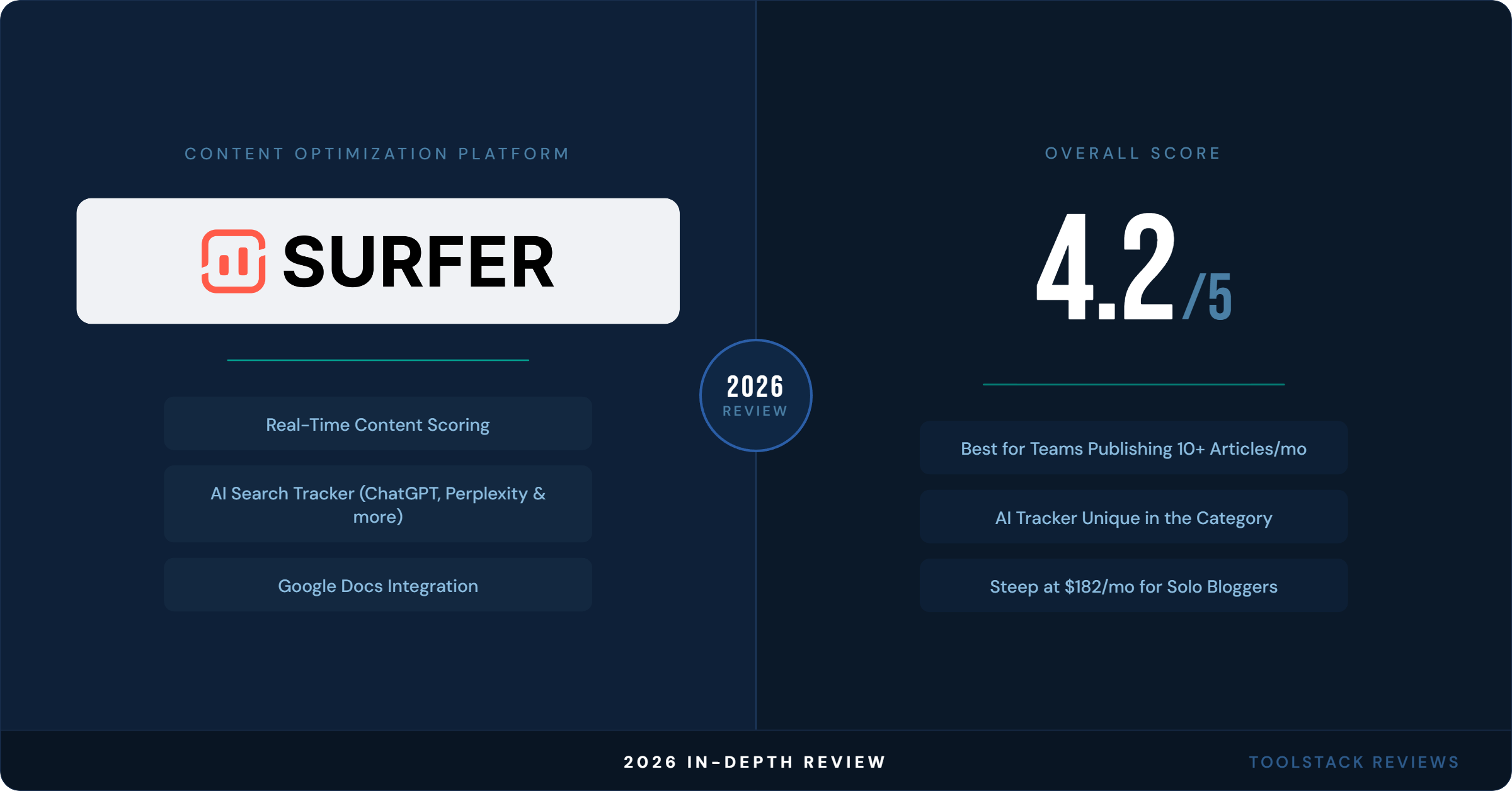
| Overall | ⭐⭐⭐⭐ (4.2/5) | Best content optimization platform for teams serious about search |
Bottom line: Surfer SEO is the most complete content optimization tool for teams that publish regularly and want to compete in both traditional search and AI-generated answers. The Pro plan at $182/month is hard to justify for solo bloggers on tight budgets — start with Discovery or Standard and upgrade when the workflow proves out. For content teams producing 15+ articles a month, it’s one of the better investments in the stack.
Frequently Asked Questions
Does Surfer SEO have a free trial?
No free trial. Surfer offers a 7-day money-back guarantee on paid plans. You can cancel within 7 days for a full refund if it’s not a fit. Discovery at $49/month is the lowest-risk paid entry point to test the tool before committing to a higher tier.
What’s included in Surfer SEO’s Discovery plan at $49/month?
Discovery includes 120 documents, 1 team seat, the Content Editor, SERP analysis, Surfy (AI assistant), the AI Humanizer, and WordPress/Google Docs integrations. It does not include AI prompt tracking, plagiarism checking, rank drop alerts, or multiple team seats. It’s a solo plan with a document cap that will bind fast for active publishers.
Can Surfer SEO replace Ahrefs or Semrush?
No. Surfer is a content optimization and AI search visibility tool. It does not offer backlink analysis, technical site audits, rank tracking at scale, or the competitive research depth of Ahrefs or Semrush. Surfer is designed to work alongside those platforms — you use Ahrefs or Semrush to find keywords and analyze your competition, then use Surfer to optimize the content you write for those keywords.
How does Surfer SEO’s AI Tracker work?
You give Surfer a set of prompts — questions or searches your target audience might type into an AI platform. Surfer monitors whether your brand or content appears in the AI-generated answers for those prompts, across ChatGPT, Perplexity, Google AI Mode, Google AI Overview, and Google Gemini (Pro and above). Standard plan tracks 25 prompts per week on ChatGPT only. Pro tracks 50 prompts daily across all five platforms. Discovery includes no AI tracking at all.
Is Surfer SEO worth it for bloggers writing one or two articles per month?
Probably not at the Pro tier ($182/month). At that output level, the per-article cost is too high to justify. If you’re committed to growing search traffic with consistent publishing — 8+ articles per month — Surfer starts to make economic sense. For occasional publishing, a less expensive tool like NeuronWriter (~$19/month) covers basic NLP optimization at a fraction of the cost. Surfer’s Discovery plan at $49/month is a reasonable middle ground for bloggers publishing 4–6 articles monthly.
⬇ FREE DOWNLOAD
Get The Lean Creator Stack
8 tool categories. Best free + paid picks for solopreneurs in 2026.