
Last updated: June 2026
You need to automate something. Maybe it’s routing form submissions to a CRM, posting new blog content to social, or syncing data between two apps that refuse to talk to each other. You’ve heard of Zapier. You’ve probably also heard that Make is better — or cheaper, or more powerful, or “only for developers.” None of that is quite right, and the actual answer depends entirely on what you’re building and how much you want to think about it.
This comparison covers what both tools actually cost in 2026, what you get at each tier, where each one genuinely beats the other, and which one to pick based on your situation.
Zapier vs Make: The Core Difference
Zapier is built for speed. You pick a trigger app, pick an action app, and you’re done in five minutes. There’s very little to configure and very little to misunderstand. That simplicity comes with a real cost — both literal cost and ceiling on complexity.
Make is built for control. Every workflow is a visual canvas where you can route data, filter conditions, loop through records, parse JSON, handle errors, and chain modules in ways Zapier simply can’t match. The learning curve is real. The payoff for complex workflows is also real.
Neither tool is objectively better. The question is which one fits what you’re actually trying to build.
Zapier vs Make Pricing (2026)
Zapier Pricing
Zapier charges by tasks — one task = one successful action step completed. Triggers don’t count. Built-in tools like Filter, Formatter, and Paths also don’t count toward your task total.
- Free: $0/month — 100 tasks/month, two-step Zaps only, Zapier Copilot with daily message limits
- Professional: From $19.99/month (annual billing) — multi-step Zaps, conditional paths, webhooks, unlimited premium apps
- Team: From $69/month (annual) — 25 users, shared workspace, SAML SSO, Premier Support
- Enterprise: Contact sales — unlimited users, VPC Peering, annual task limits (no monthly resets), dedicated Technical Account Manager
One thing worth knowing: if you exceed your task limit, Zapier switches to pay-per-task at 1.25x your base task cost. At 3x your subscription’s task count, Zaps pause until the next billing cycle.
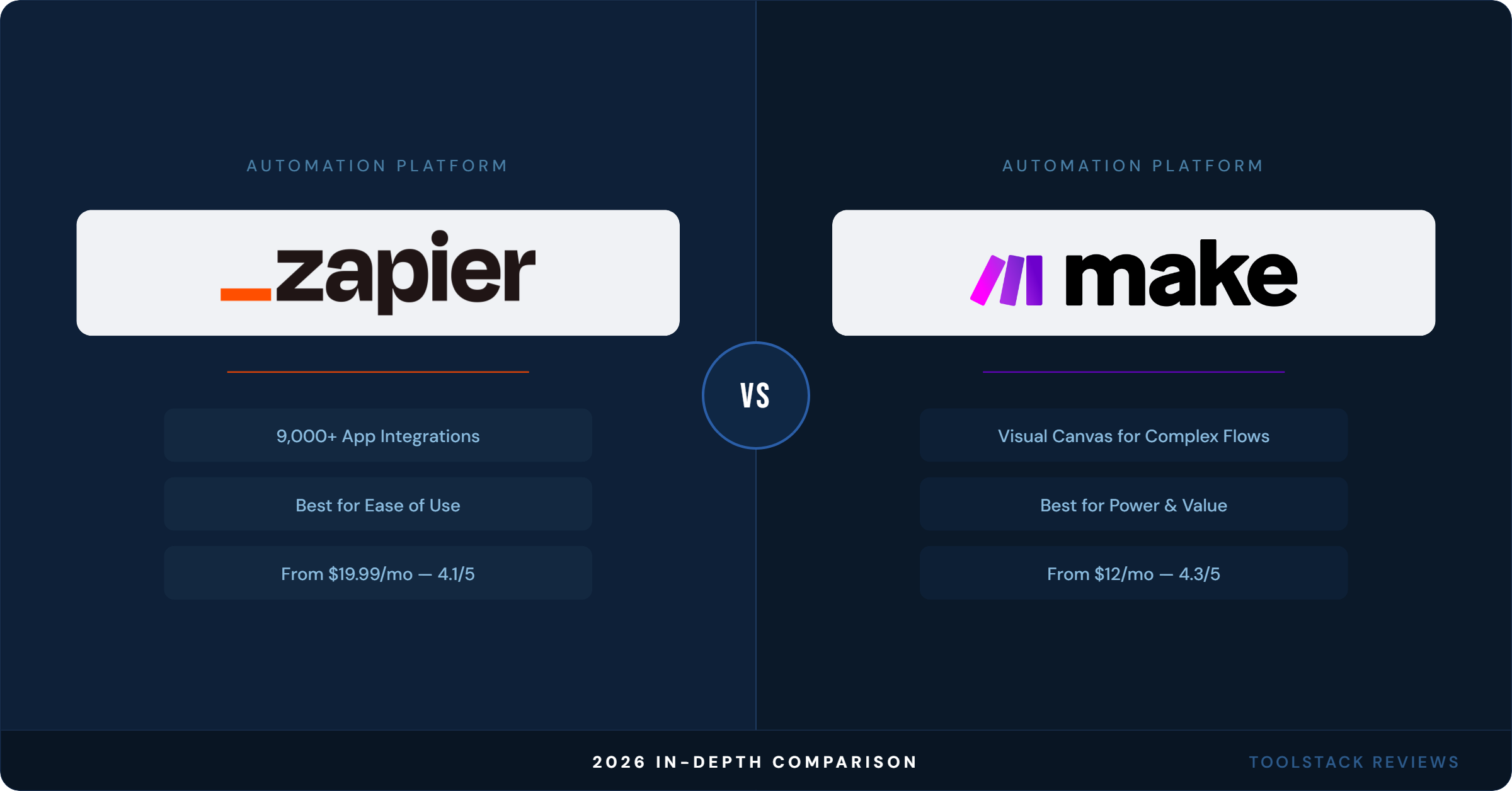
Zapier also connects to 9,000+ apps — more than any other automation platform on the market as of 2026.
Make Pricing
Make charges by operations (they call them credits). Each action — reading data, creating a record, transforming data — costs one credit. Error handlers and Router modules are free.
- Free: $0/month — 1,000 credits/month, 2 active scenarios max, 15-minute minimum scheduling interval
- Core: $12/month (at 10,000 credits/mo) — unlimited scenarios, 1-minute scheduling, Make API access
- Pro: $21/month (at 10,000 credits/mo) — everything in Core plus custom variables, full-text execution log search, priority execution
- Teams: $38/month (at 10,000 credits/mo) — team roles, scenario templates, higher API rate limits (240 calls/min)
- Enterprise: Custom pricing — custom functions, enterprise app integrations (Workday, ServiceNow, Greenhouse), 24/7 senior support, SSO, overage protection
Make connects to 3,000+ standard apps and includes 350+ AI apps on all plans. The credit slider goes up to 8M+ credits/month for high-volume workflows.
Cost Comparison at a Glance
At the entry paid level: Make Core at $12/month vs Zapier Professional starting at $19.99/month. Make’s free plan also gives you 1,000 operations — Zapier’s free plan caps at 100 tasks. For light users, Make’s free tier goes roughly 10x further.
The calculus flips for teams. Zapier’s Team plan at $69/month includes 25 users. Make’s Teams plan at $38/month includes unlimited users but you’re scaling credits separately. For larger teams running lots of scenarios, Make can still be cheaper — but it requires more careful credit management.
App Integrations: 9,000 vs 3,000
Zapier’s integration library is simply larger. 9,000+ apps versus Make’s 3,000+. In practice, this matters most when you’re using niche or less common software. The mainstream tools — Google Workspace, Slack, Notion, HubSpot, Shopify, Airtable, Stripe — exist on both platforms.
Where Zapier’s depth actually matters: regional tools, less common CRMs, industry-specific software, and newer apps that haven’t built a Make integration yet. If your stack involves anything outside the top 500 apps, check Make’s integration list before committing.
Make partially offsets this with its HTTP module, which lets you connect to any app with a REST API even without a native integration. That’s a legitimate workaround — but it requires knowing what you’re doing.
Workflow Complexity: Where Make Wins
This is the clearest difference between the two platforms. Zapier is great for linear workflows: trigger → action → action. Once you need branching logic, looping, error handling, or data transformation, things get complicated fast.
Make’s visual canvas is built for exactly this. You can:
- Loop through arrays and process each item individually
- Route data to multiple branches simultaneously (not just “if/else”)
- Handle errors inline with Rollback, Retry, or custom recovery modules
- Use Aggregators to combine multiple records into one
- Parse and manipulate JSON, XML, and text natively
Zapier has added more logic features over the years — Paths, Looping, Formatter — but the architecture is still fundamentally step-by-step. Make’s canvas model gives you genuine visual clarity on complex flows that Zapier’s list view can’t match.
Ease of Use: Where Zapier Wins
The tradeoff for Make’s power is real. First-time users regularly get stuck on the module-based interface, credit counting, and scenario structure. Zapier’s onboarding is genuinely faster — you can have a working automation in under 10 minutes without reading any documentation.
Zapier’s AI-powered Zap builder (Copilot) makes this even more accessible in 2026. Describe what you want in plain language and it builds the workflow for you. The results aren’t always perfect but they’re a solid starting point.
Make does have AI features, including AI Agents (beta) and an AI Toolkit, but the underlying platform still assumes more technical comfort than Zapier does. If you’ve never built an automation before, Zapier is the faster path to something working.
Reliability and Execution Speed
Both platforms have strong uptime track records. The meaningful difference is in execution scheduling.
Zapier’s paid plans check triggers every 1-2 minutes by default, depending on the app. Some apps support instant triggers via webhooks.
Make’s free plan runs scenarios at a minimum 15-minute interval. On Core and above, you get 1-minute scheduling. Both platforms support instant execution via webhooks on paid plans.
For anything time-sensitive — live notifications, real-time data syncs — webhooks on either platform solve the problem. For polling-based workflows, the 1-minute minimum on Make Core ($12/mo) is comparable to Zapier’s paid tiers.
User Ratings (2026)
According to G2 (2026), Zapier holds a 4.5/5 rating across 2,079+ reviews. Make holds a 4.6/5 rating across 319 reviews on G2. Make’s slightly higher average likely reflects its more technical user base — people who invested the time to learn it tend to rate it well. Zapier’s larger review count shows wider adoption across non-technical users, where complaints about task limits and pricing are more common.
On Gartner Peer Insights, Zapier holds a 4.5/5 across 190 ratings as of 2026.
Internal Links
If you’re evaluating Make for marketing automation specifically, it pairs well with email platforms — see our GetResponse Review 2026 and HubSpot vs ActiveCampaign comparison for tools that both platforms integrate with natively.
Which One Should You Actually Use?
Choose Zapier if:
- You want automations running today with minimal setup
- You’re connecting mainstream apps and don’t need complex logic
- Non-technical teammates will be building or editing workflows
- You need a specific niche app that Make hasn’t integrated yet
Choose Make if:
- You need multi-branch routing, loops, or error handling
- You’re hitting Zapier’s task limits and want cheaper scaling
- You’re comfortable with a steeper learning curve
- You want to connect to any API via the HTTP module without native integrations
The honest take: Most solopreneurs start on Zapier because it’s faster to learn, then migrate to Make once they start hitting task limits or building workflows that need more logic. That path is valid — just be aware that some rebuild time is involved. If you know from the start that your use case is complex, go straight to Make.
ToolStack Verdict
| Criteria | Zapier | Make |
|---|---|---|
| Ease of use | ⭐⭐⭐⭐⭐ | ⭐⭐⭐ |
| App integrations | ⭐⭐⭐⭐⭐ | ⭐⭐⭐⭐ |
| Workflow complexity | ⭐⭐⭐ | ⭐⭐⭐⭐⭐ |
| Value for money | ⭐⭐⭐ | ⭐⭐⭐⭐⭐ |
| Free plan generosity | ⭐⭐ | ⭐⭐⭐⭐ |
| Team collaboration | ⭐⭐⭐⭐ | ⭐⭐⭐⭐ |
| Overall | 4.1 / 5 | 4.3 / 5 |
Bottom line: Make edges out Zapier on value and power. Zapier edges out Make on accessibility. Your pick should come down to how technical you are and how complex your workflows need to be — not marketing copy.
Try Make Free → Try Zapier Free →
Frequently Asked Questions
Is Make cheaper than Zapier?
Yes, in most cases. Make’s Core plan starts at $12/month and includes unlimited scenarios. Zapier’s Professional plan starts at $19.99/month (annual billing). Make’s free tier also gives you 1,000 operations per month versus Zapier’s 100 tasks — a 10x difference on the free plan.
Does Zapier have more integrations than Make?
Zapier connects to 9,000+ apps as of 2026. Make connects to 3,000+ standard apps. Zapier has the larger library, which matters primarily for niche or regional software. The majority of popular business tools are available on both platforms.
Which is better for complex automations — Zapier or Make?
Make. Its visual canvas supports looping, multi-branch routing, inline error handling, and data aggregation in ways Zapier’s step-by-step structure doesn’t. If your workflow needs to process arrays, handle errors gracefully, or route data to multiple destinations simultaneously, Make is the right tool.
What happens when you hit Zapier’s task limit?
Zapier switches to pay-per-task billing at 1.25x your base task cost. If you reach 3x your plan’s task allotment in a billing period, Zaps pause until your next billing cycle. Make’s scenarios simply stop running when credits are exhausted, but incoming webhooks are queued until credits resume.
Can I use Make without any technical knowledge?
Yes, but expect a steeper learning curve than Zapier. Make’s visual interface is intuitive once you understand the module-based logic, but first-time users often need more time to get their first scenario running. Zapier is consistently faster to learn for non-technical users. Make is worth the investment if you’ll be building complex multi-step workflows — otherwise, Zapier’s simplicity is a genuine advantage.
⬇ FREE DOWNLOAD
Get The Lean Creator Stack
8 tool categories. Best free + paid picks for solopreneurs in 2026.