
Last updated: July 2026
Teachable strips course selling down to the basics: build a course, set a price, take payments, done. No funnel builder, no email automation suite, no community feature bloating up the dashboard. If that sounds like a relief rather than a limitation, keep reading. This review verifies every price, plan limit, and rating directly against Teachable’s live pricing page and current third-party review data as of July 2026.
What Teachable Actually Is
Teachable is a standalone course-hosting platform owned by Hotmart, built for creators who want to publish courses, coaching offers, and digital downloads without wiring together a marketing stack. It does not try to replace your email tool or your website. It hosts the product, runs checkout, and hands you basic sales tooling.
That’s the trade-off in one sentence: Teachable is cheaper and faster to launch on than an all-in-one platform like Kajabi, but you’ll still need Calendly for scheduling, a separate email tool for list growth, and possibly a landing page builder if you want more than Teachable’s built-in sales pages.
Teachable Pricing 2026 (Verified)
Teachable dropped its old “Basic/Pro/Business” naming. As of July 2026, the live pricing page (teachable.com/pricing) lists four self-serve tiers plus a custom Enterprise option. There is no permanent free plan, only a 7-day free trial with a 30-day money-back guarantee.
| Plan | Monthly billing | Annual billing (per mo) | Transaction fee | Products | Active students |
|---|---|---|---|---|---|
| Starter | $39/mo | $29/mo ($348/yr) | 7.5% | 5 | 100 |
| Builder | $89/mo | $69/mo ($828/yr) | 0%* | 10 | 1,000 |
| Growth | $189/mo | $139/mo ($1,668/yr) | 0%* | 50 | 5,000 |
| Advanced | $399/mo | $309/mo | 0%* | 100 | 10,000 |
*0% transaction fee applies to Builder, Growth, and Advanced when using Teachable’s own payment gateway; standard card processing fees still apply. Source: teachable.com/pricing, verified July 2026.
Teachable’s official pricing page confirms annual billing saves 22% versus paying monthly on every self-serve plan. There’s also a detail most comparison articles miss: Teachable removes the active-student and imported-student caps entirely once a school passes $10,000 USD/year in direct on-platform sales, confirmed on the current pricing FAQ.
Transaction fees only apply on Starter. The moment you move to Builder at $69/month (annual), Teachable charges 0% on top of standard payment processing. That’s a real cost difference against Kajabi, which charges 2.7% to 2.9% plus $0.30 per transaction on every tier even at $399/month, according to Kajabi’s own 2026 pricing breakdown.
What Counts Against Your Plan Limit
Teachable’s official FAQ defines a “published product” as any course, coaching offer, or digital download made live, regardless of how many videos or modules it contains. Memberships and bundles do not count toward the product cap, and unpublished drafts don’t either. That matters if you’re comparing Teachable’s “5 products” on Starter against a platform that counts differently.
Teachable vs. Thinkific vs. Kajabi Pricing
Course platform pricing gets compared constantly and rarely accurately. Here’s where the three stack up on their entry-level paid annual plans, verified this session:
- Teachable Starter: $29/mo annual, 7.5% transaction fee, 5 products, 100 students
- Thinkific Basic: $36/mo annual, 0% transaction fee in primary markets, unlimited courses, per Thinkific’s 2026 pricing page as reported by SchoolMaker and Ruzuku
- Kajabi Basic: $143/mo annual, no transaction fee on Kajabi Payments, 5 products, 2,500 contacts, per Kajabi’s 2026 pricing breakdown
Thinkific undercuts Teachable’s Starter tier on transaction fees, which is the single biggest complaint about Teachable in user reviews. Kajabi costs roughly 5x Teachable’s Starter price but bundles email marketing, funnels, and a website builder Teachable doesn’t offer at any tier. If you’ve already read our Kajabi review, you know that price gap buys a genuinely different product, not just more course slots.
Ratings: What Real Users Say
Independent review platforms paint a consistent, slightly mixed picture:
- G2: Teachable holds a 3.9 out of 5 rating from 52 verified reviews (G2, checked July 2026).
- Capterra: Teachable holds a 4.3 out of 5 rating from 184 reviews, per Capterra’s Teachable comparison pages (Capterra, 2026).
The gap between the two scores lines up with what shows up in the actual review text. G2’s own pros-and-cons summary for Teachable notes users report the platform as “expensive, especially given the low reliability and numerous technical issues experienced,” a direct quote from G2’s aggregated review data. Meanwhile, Capterra reviewers frequently praise ease of use and fast setup but flag slow, templated customer support; one Capterra reviewer from March 2026 wrote about payouts taking weeks to clear.
Customer support is the single most repeated complaint across Trustpilot, Capterra, and Software Advice reviews checked this session. Multiple 2026 reviews describe email-only support with slow or automated responses, and Trustpilot reviewers specifically flag “AI runaround” as a recurring frustration.
Teachable’s AI Features (2026 Update)
Teachable added an AI course curriculum generator, live on teachable.com/ai-curriculum-generator as of this writing. You enter a course topic and description, and it produces a draft outline you can drop directly into the curriculum builder and edit from there. It’s a starting-point tool, not a full course writer. It generates structure, not finished lesson content. Available on all self-serve paid plans; verify current plan placement at teachable.com before assuming it’s included on Starter specifically, as Teachable does shift AI features between tiers periodically.
Teachable’s Affiliate Program
Teachable runs its own affiliate program through PartnerStack, paying 30% recurring commission for a full year on every subscription a referred customer takes out, with a 30-day cookie window, confirmed directly on teachable.com/partners. That’s a genuinely strong program by course-platform standards: Thinkific’s competing program pays 20% recurring through PartnerStack with a 90-day cookie, according to a 2026 affiliate-comparison breakdown from Find Affiliates.
Course Building and Student Experience
Teachable’s course builder handles video, text, quizzes, and downloadable resources through a drag-and-drop editor. Drip content, meaning released lessons on a schedule instead of all at once, is available starting on Starter, along with basic short-answer assessments and completion certificates. Compliance features (tracking quiz completion for professional certification requirements) are present but limited compared to dedicated LMS platforms built for corporate training.
Students access courses through Teachable’s native iOS and Android apps, included on every self-serve plan according to the current pricing page. That’s a genuine differentiator against Thinkific, whose comparison materials note students on Thinkific access courses primarily through a mobile browser rather than a dedicated app. If your audience skews toward learning on a phone during commutes or breaks, that native app matters more than it looks on a feature checklist.
Checkout runs through Teachable’s own payment infrastructure with global tax handling built in. Teachable calculates and remits VAT and sales tax automatically in supported regions, which removes a compliance headache smaller creators otherwise have to solve themselves or pay a bookkeeper to handle.
Where Teachable Falls Short
Email marketing and automation are thin. Teachable gives you basic broadcast emails to students, but there’s no list-building, tagging, or automated sequence functionality comparable to a dedicated email platform. If you plan to nurture leads before they buy, you’ll be running that through Kit, GetResponse, or a similar tool alongside Teachable, not instead of it.
Coaching-specific businesses hit friction fast. Teachable can sell a coaching offer as a product, but there’s no built-in scheduling, session-based billing, or client portal. You’ll need Calendly or Acuity bolted on, which is the exact gap Kajabi’s marketing points to when making its case for an all-in-one stack.
The support complaints aren’t isolated incidents, either. They show up consistently enough across Capterra, Trustpilot, and Software Advice reviews checked this session that it’s fair to call slow, email-only support a structural weak point of the platform rather than a one-off bad experience.
Who Should Actually Use Teachable
Teachable makes sense if you already have an audience and a marketing stack (email tool, landing pages, social) and just need somewhere to host and sell the course itself. It’s overkill-avoidance done right for creators who don’t want to pay for funnel and CRM features they won’t touch.
It’s the wrong pick if you’re starting from zero and need website, email, and course hosting bundled. That’s Kajabi’s pitch, and our three-way course platform comparison breaks down exactly where each tool wins on that trade-off.
ToolStack Verdict
| Category | Score |
|---|---|
| Ease of use | 8.5/10 |
| Pricing value | 7/10 |
| Feature depth | 6.5/10 |
| Customer support | 5.5/10 |
| Overall | 7/10 |
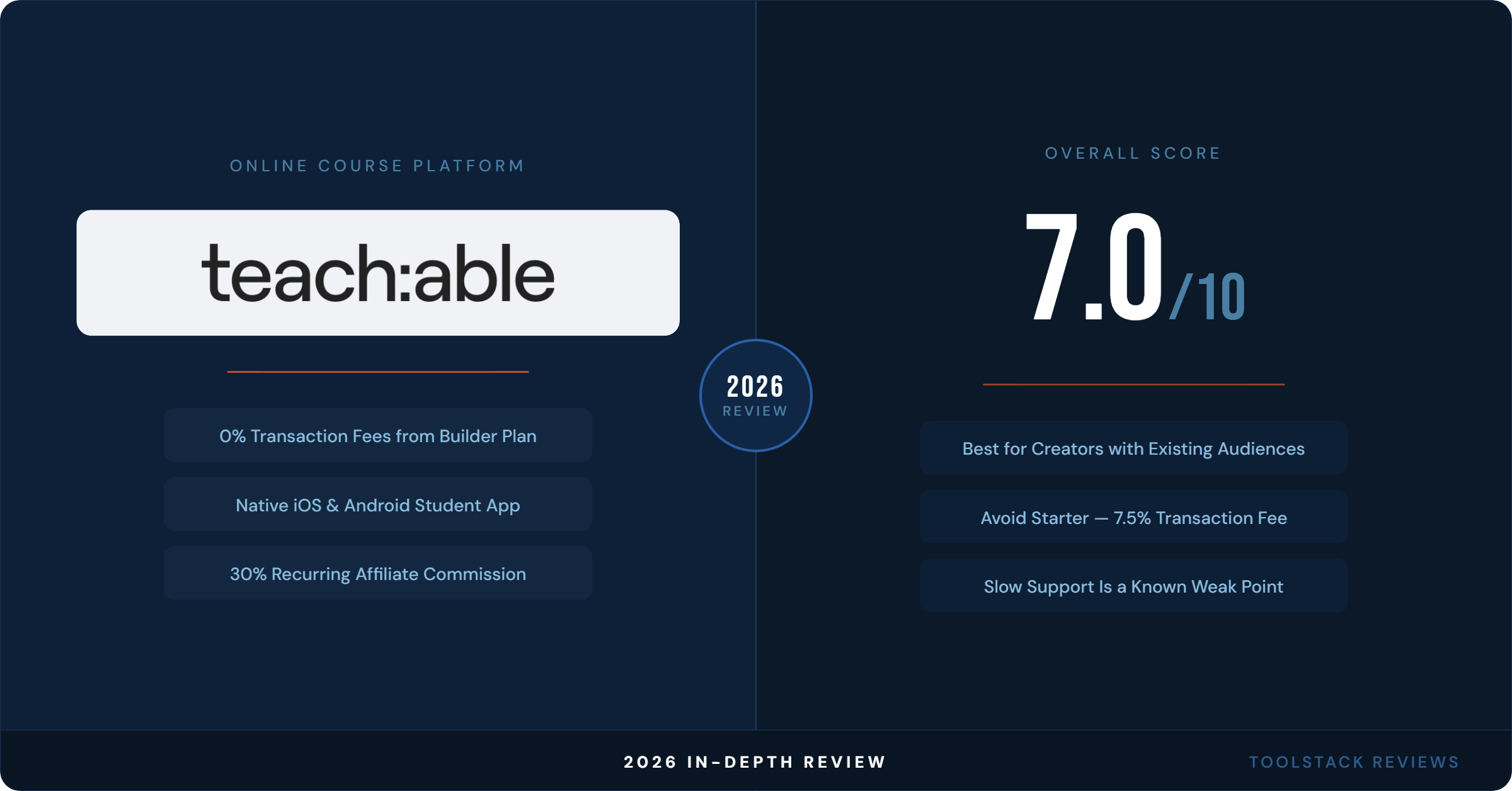
Teachable is a solid, no-frills course host for creators who already have marketing infrastructure elsewhere. The 7.5% transaction fee on Starter is the plan to avoid past your first few sales. Upgrade to Builder as soon as revenue justifies the jump, since Builder eliminates transaction fees entirely. Support quality is the recurring weak point across every review source checked this session, so budget patience if something breaks.
FAQ
Does Teachable have a free plan in 2026?
No. Teachable removed its permanent free plan; it now offers only a 7-day free trial with a 30-day money-back guarantee on paid plans, per teachable.com/pricing.
How much does Teachable cost per month?
Teachable’s Starter plan costs $39/month billed monthly or $29/month billed annually ($348/year). Builder is $89/month monthly or $69/month annually. Verified directly on teachable.com/pricing, July 2026.
Does Teachable charge transaction fees?
Yes, but only on the Starter plan, which charges 7.5% per sale. Builder, Growth, and Advanced all charge 0% transaction fees when using Teachable’s own payment gateway, per Teachable’s official pricing page.
Is Teachable better than Thinkific?
Thinkific’s entry-level Basic plan ($36/month annual) charges 0% transaction fees in primary markets and includes unlimited courses, which undercuts Teachable’s Starter tier on both counts. Teachable pulls ahead on native mobile apps and its built-in affiliate program. Neither is universally “better” — it depends on whether transaction fees or mobile student experience matters more to your business.
What happens to Teachable’s student caps if I sell a lot?
Teachable removes active-student and imported-student limits entirely once your school passes $10,000 USD/year in sales made directly on the platform, according to Teachable’s current pricing FAQ.
⬇ FREE DOWNLOAD
Get The Lean Creator Stack
8 tool categories. Best free + paid picks for solopreneurs in 2026.