
Last updated: June 2026
Loom built its reputation on one promise: record a quick video, share a link, done. No scheduling, no meetings, no back-and-forth emails. For a lot of teams, it delivered on that promise brilliantly.
Then Atlassian bought it for $975 million in October 2023 — and things got complicated.
In 2026, Loom is a better tool in some ways (the AI features are genuinely useful) and a worse experience in others (billing changes, stability regressions, and a free plan that’s been quietly gutted). This review covers what’s actually changed, who Loom still makes sense for, and where you’re better off looking elsewhere.
What Loom Does
Loom records your screen, your webcam, or both simultaneously and generates a shareable link in seconds. The whole point is replacing the communication that would otherwise require a meeting or a lengthy written explanation — a bug report, a product walkthrough, client feedback, a quick update for a remote teammate.
It works as a desktop app, browser extension, and mobile app. Recording takes about 60 seconds from decision to shareable link, which is the core reason 25 million users across 400,000+ companies have adopted it (per Loom’s own pricing page, June 2026).
What Loom is not: a polished video production tool. You’re not editing sequences, adding B-roll, or building marketing content. It’s async communication, not video content.
Loom Review 2026: What’s Actually Changed Since Atlassian
The acquisition changed two things meaningfully: pricing structure and the AI feature roadmap.
AI Features (The Upside)
The Business + AI plan adds a set of features that are genuinely worth paying for if you use Loom heavily:
- Filler word removal — strips “um,” “uh,” and “like” automatically post-recording. Works well on shorter recordings; slight pacing jumps on longer ones.
- Auto titles, summaries, and chapters — Loom reports that 67% of users never edit auto-generated titles, which tells you the quality is decent. Also generates action item lists from meeting recordings.
- AI Workflows — converts a recording into a structured Jira ticket with populated fields. Useful for engineering and product teams; quality degrades with less structured recordings.
- Video Variables — lets you personalize sections of a video per recipient (name, company) without re-recording. Works for standard sales outreach.
- Edit by transcript — click a word in the transcript, delete or reorder the video at that point. No timeline scrubbing needed.
Loom’s own data says 73% of Business + AI users call the AI suite “extremely or very valuable” — and that AI-added context (titles, summaries, chapters) drives 18% more viewer engagement (per loom.com, June 2026).
The Downside: Stability and Billing
On Capterra (522 reviews, June 3, 2026), Loom scores 4.6/5 overall with a 4.7 for ease of use. But buried in those reviews is a consistent pattern: 61% of critical reviewers flag bugs and instability, and 70% of negative reviews mention slow uploads and lag — specifically since the Atlassian migration.
The billing changes are the bigger concern for teams. Loom previously offered “Creator Lite” seats — free, limited-capability seats for users who only needed to watch videos, not record them. Those are gone. Accounts created after February 2026 have no Creator Lite option at all. For teams with many viewer-only users, this can create dramatic cost increases. One user quoted in Supademo’s 2026 pricing analysis described going from $240/year for 10 active creators to $24,000/year when all 100 users became paid seats after the migration.
Annual plans also now use tiered billing (50, 100, 250 user tiers) rather than per-seat pricing — meaning a 55-person team pays for the 100-user tier.
Loom Pricing 2026 (All Plans, Verified)
Prices verified from loom.com/pricing, June 2026. Annual billing saves approximately 17%.
Starter — $0/month
- Up to 50 members, 25 videos per person
- 5-minute maximum recording length
- 720p video quality
- Transcriptions in 50+ languages
- Basic integrations: Slack, Jira, GitHub, Gmail, Notion
- Comments, emoji reactions, closed captions
- Unlimited meeting recording length (newly added)
Business — $18/user/month
- Unlimited members, videos, and recording length
- 4K video quality
- Trim & stitch editing, custom thumbnails
- Remove Loom branding; add custom logo and colors
- Password-protected videos
- Drawing tool, blur, do-not-disturb mode
- Engagement insights (exportable)
- Priority support
- No AI features
Business + AI — $24/user/month
- Everything in Business
- Auto meeting notes and recaps
- Filler word and silence removal
- AI Workflows, Variables, auto titles/summaries/chapters/tasks
- Edit by transcript
- Text, box, and arrow overlay annotations
- Custom data retention policies
- Video download restrictions
- Admin insights
Enterprise — Custom (Contact Sales)
- Everything in Business + AI
- SSO (SAML) + SCIM provisioning via Atlassian Guard (included free)
- 99.95% uptime SLA
- Salesforce integration (Beta)
- Zoom import
- Dedicated account manager and custom onboarding
Quick math: A 10-person team on Business + AI runs $240/month (monthly billing) or about $200/month on annual. A 20-person team is $480/month or roughly $400/month annually.
Who Loom Is Right For
Loom earns its keep in specific situations:
Atlassian shops. If your team runs on Jira and Confluence, Loom’s native integration is a real advantage. You can record directly from within a Jira ticket, embed the video in Confluence pages, and have AI Workflows auto-populate ticket fields from the recording. That workflow doesn’t exist anywhere else at this price.
Remote and async-first teams. The core use case still holds — a 90-second Loom replaces a 15-minute meeting. According to Capterra reviewers (June 2026), “efficient meeting alternative” is one of the highest-rated benefit categories, with 100% positive sentiment across 20 reviews in that category.
Sales outreach at moderate scale. The Video Variables feature lets you personalize recordings per recipient without re-recording. It’s not as sophisticated as dedicated sales video platforms, but it’s included in the $24/month plan rather than requiring a separate tool.
Small teams and solopreneurs on the free plan. 25 videos at 5 minutes each is a real constraint, but for occasional use — client feedback, quick walkthroughs, onboarding snippets — the free plan is functional. Just don’t expect to run your async communications entirely on it.
If you’re already deep in the ClickUp or Notion ecosystem, Loom integrates cleanly with both through its basic integrations on all plans.
Who Should Look Elsewhere
Teams with many viewer-only users. The Creator Lite changes make Loom expensive for any org where most people watch but don’t record. Check the actual headcount math before committing to an annual plan.
Anyone needing polished video output. Loom is a communication tool. If you need branded, edited video content for marketing, courses, or customer-facing documentation, you need a different tool — Tella, Camtasia, or similar.
Sales teams wanting deep CRM analytics. Loom doesn’t integrate natively with Salesforce except at Enterprise tier, and it lacks the per-viewer analytics that dedicated sales video platforms provide. Vidyard starts at $59/user/month but offers pipeline-linked tracking Loom simply doesn’t have.
Loom vs. Alternatives (2026)
| Tool | Best For | Starting Price | Key Difference |
|---|---|---|---|
| Loom | Async team communication | Free / $18/user/mo | Speed, Atlassian integration |
| Tella | Polished screen recordings | $13/user/mo | Better editing, multi-scene support, lower price |
| Vidyard | B2B sales video | Free / $59/user/mo | CRM analytics, per-viewer tracking, Salesforce-native |
| OBS Studio | Power-user recording | Free | Fully free, no limits, steep learning curve |
Tella pricing sourced from supademo.com/blog/loom-pricing, 2026. Vidyard pricing sourced from sendspark.com, 2026. OBS Studio is open source and free.
ToolStack Verdict
| Category | Score | Notes |
|---|---|---|
| Ease of Use | ⭐⭐⭐⭐⭐ 5/5 | Still the fastest recording-to-link flow available |
| Features | ⭐⭐⭐⭐ 4/5 | AI add-ons are solid; editing remains basic on Business tier |
| Value for Money | ⭐⭐⭐ 3/5 | $18/user stings for small teams; tiered billing hurts mid-size ones |
| Reliability | ⭐⭐⭐ 3/5 | Stability regressions post-Atlassian are real and widely reported |
| Integrations | ⭐⭐⭐⭐ 4/5 | Atlassian-native is a genuine advantage; Salesforce locked to Enterprise |
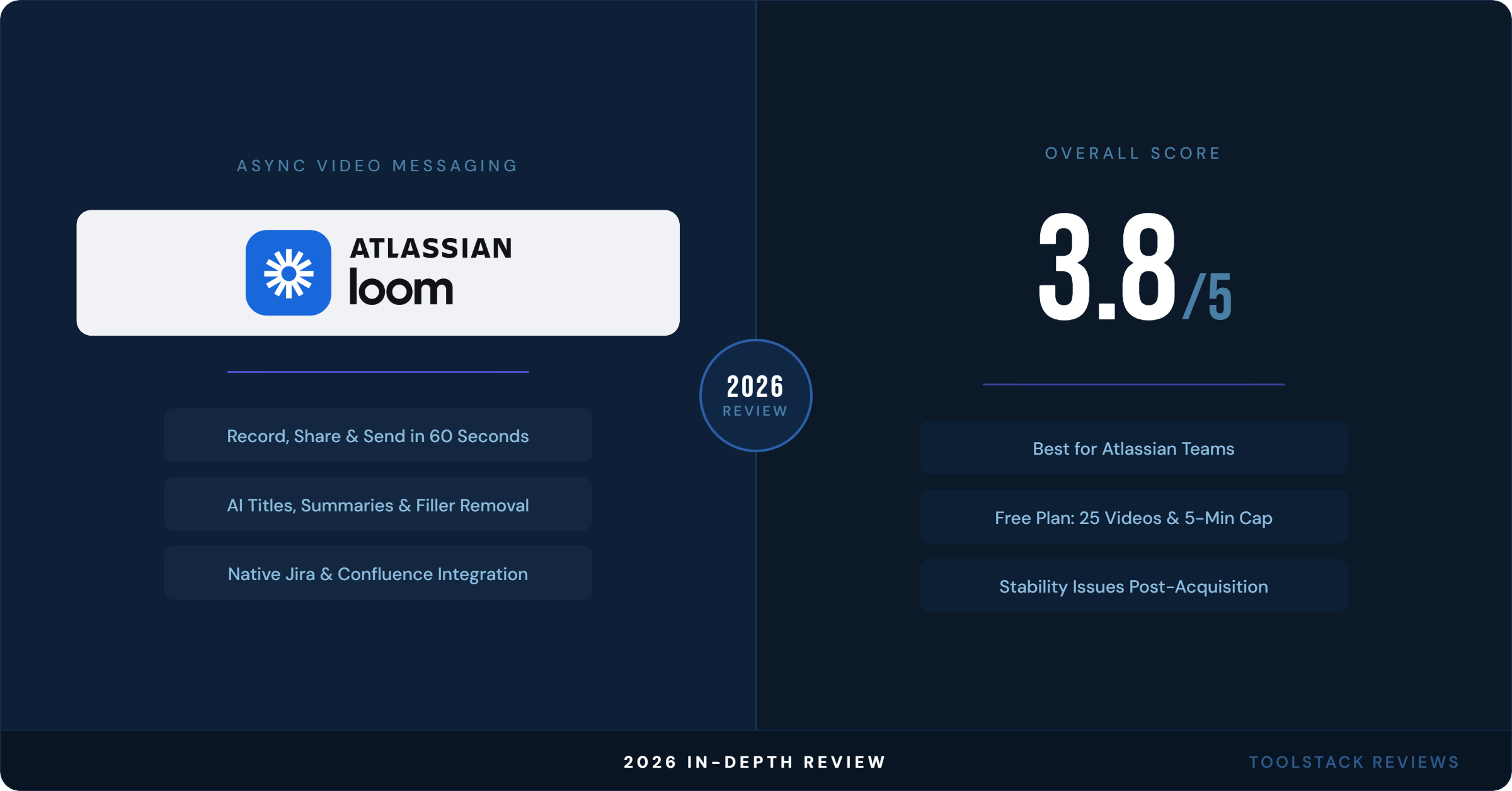
| Overall | ⭐⭐⭐⭐ 3.8/5 | Best-in-class for quick async video; billing and stability are the caveats |
Bottom line: Loom is still the fastest way to record and share a quick async video. If your team runs on Jira and Confluence, it belongs in your stack. If you’re a small team or solopreneur who doesn’t need the Atlassian ecosystem, the $18/user price tag is hard to justify when Tella offers more editing capability for less. The free plan works for occasional use but won’t support a real async communication workflow at 25 videos and 5-minute limits.
The stability complaints and billing restructuring post-acquisition are legitimate. This is a product in transition. Core functionality still works well — just verify the pricing math for your actual team size before committing to annual billing.
Frequently Asked Questions
What is the 5-minute limit on Loom’s free plan?
Loom’s Starter (free) plan caps each individual screen recording at 5 minutes. Meeting recordings added to your account have no length limit even on the free plan. To remove the 5-minute cap on screen recordings, you need the Business plan at $18/user/month or higher (verified from loom.com/pricing, June 2026).
How many videos can you save on Loom’s free plan?
The Starter plan allows 25 videos per person. Once you hit that limit, older videos are not automatically deleted — you’d need to manually delete them to free up space, or upgrade to a paid plan for unlimited video storage (loom.com/pricing, June 2026).
Does Loom work without Atlassian products?
Yes. Loom works as a standalone tool and doesn’t require Jira or Confluence. The Atlassian integration adds native embed and recording capabilities inside those products, but Loom functions independently through its desktop app, browser extension, and mobile app on all plans.
What’s the difference between Loom Business and Business + AI?
Business ($18/user/month) gives you unlimited videos, 4K quality, custom branding, and basic editing. Business + AI ($24/user/month) adds all AI features: filler word removal, auto-generated titles, summaries and chapters, AI Workflows for Jira, Video Variables for personalization, edit-by-transcript, and auto meeting recaps. There’s no way to buy AI features à la carte (loom.com/pricing, June 2026).
Are there known issues with Loom after the Atlassian acquisition?
Yes — these are widely reported in 2025–2026 reviews. The most common complaints are recording crashes and upload failures, audio/video sync issues, login problems tied to the Atlassian authentication migration, billing charges after cancellation, and longer support response times. According to Capterra (522 reviews, June 3, 2026), 61% of critical reviews flag bugs and instability as their primary complaint. The core recording experience still works for most users most of the time, but reliability is a legitimate concern.
⬇ FREE DOWNLOAD
Get The Lean Creator Stack
8 tool categories. Best free + paid picks for solopreneurs in 2026.