
Last updated: June 2026
Notion quietly changed the deal in 2025: it killed the standalone $8/user AI add-on and locked all meaningful AI behind the Business plan at $20/seat/month. If you’re on Plus — the plan most individuals and small teams use — you now get the same 20 lifetime AI responses as the free tier. Not 20 per month. Twenty. Total. That’s the context you need before deciding whether “Notion AI” is worth anything to you.
This review covers what Notion AI actually does in 2026, what each feature costs, where it genuinely earns its price, and where it still falls short.
What Notion AI Is in 2026
Notion AI is no longer just a writing assistant. Since the Version 3.0 rebuild in September 2025, it’s now a suite of autonomous tools built around agents: the Notion Agent (your personal assistant), Custom Agents (automated teammates that run on schedules), AI Meeting Notes, Enterprise Search, and Research Mode. Writing and editing tools are still there, but they’re the smallest part of the picture now.
By April 2026, Notion shipped its 3.4 release — Custom Agents dropped 35-50% in cost, lightweight AI models cut credit usage by up to 10x, and the suite added Salesforce and Box connectors alongside private Slack channel access. These aren’t minor updates. The gap between Notion AI in early 2025 and Notion AI today is significant.
Notion AI Pricing 2026: The Paywall Nobody Talks About
Here’s the breakdown from Notion’s official pricing page, verified June 2026:
- Free: $0/member/month — AI trial only (20 lifetime responses, then locked)
- Plus: $10/seat/month (billed annually) — same 20 lifetime AI responses as Free. No meaningful AI.
- Business: $20/seat/month (billed annually) — full Notion Agent, AI Meeting Notes, Enterprise Search (beta), Research Mode, Custom Agents, unlimited AI writing
- Enterprise: Custom pricing — adds zero data retention with LLM providers, SCIM, audit logs, unlimited page history, HIPAA support
That’s the critical thing to understand: Notion AI only works if you’re on Business at $20/seat/month. Plus users get nothing beyond a teaser. For a team of five that was previously on Plus with the $8 AI add-on ($90/month total), the path to real AI now costs $100/month — a 40% jump with no opt-out.
Custom Agents carry an additional variable cost. They were free through May 3, 2026. Starting May 4, they run on Notion Credits: $10 per 1,000 credits/month as an add-on. Agents auto-pause when credits run out. Light usage won’t bankrupt you, but teams running dozens of automations should watch the credits dashboard closely.
Feature Breakdown: What You’re Actually Getting
Notion Agent
The Agent handles multi-step tasks inside your workspace. Give it an instruction — “pull all action items from last week’s meeting notes and create a project tracker” — and it works through it autonomously. Sessions run up to 20 minutes, and the Agent can work across hundreds of database pages simultaneously.
It can read from connected tools like Slack, GitHub, and Jira. The limitation is real: it reads, it doesn’t act. It can surface what a Slack thread concluded but can’t post a reply. It can pull Jira tickets into a Notion dashboard but can’t assign them. For research and synthesis inside your existing Notion setup, it’s legitimately useful. For cross-tool automation, it’s not there yet.
AI Meeting Notes
This is the feature users consistently call out as the standout. It transcribes meetings in real time — no bot joining the call, no third-party app required. Since the January 2026 update, transcription runs in the background even when the screen is locked on iOS and Android. The output is a structured Notion page with a summary and extracted action items.
On Reddit’s r/Notion (May 2026), users describe it as the feature that finally justifies the Business plan upgrade on its own. The honest caveat: quality of action item extraction depends on meeting clarity. Rambling calls produce rambling notes.
Custom Agents
Custom Agents are autonomous bots that run on schedules or event triggers without any human prompting. Set one up to triage incoming feedback every morning, categorize it by theme, and route items to the right database — and it just runs. No one has to touch it.
The numbers from real deployments are notable. According to Notion’s published case study data (via eesel.ai, May 2026), Ramp runs 300+ active Custom Agents daily and reported a 70% reduction in productivity tool costs. Remote’s IT team reportedly saved 20 hours per week using agents for ticket triage at over 95% accuracy. These are enterprise teams with well-structured Notion setups — results at that scale require clean data and deliberate setup. But the ceiling is real.
Agents are Business and Enterprise only. Credits billing started May 4, 2026.
Enterprise Search
Still in beta on Business. Searches across Notion, Slack, Google Drive, GitHub, and more simultaneously. Filters by source, author, or teamspace. Useful for teams drowning in scattered context. Currently read-only — you find the information, you still act on it manually.
Research Mode
Runs multi-step research across your internal docs, connected tools, and the live web. Takes up to 5 minutes, runs in the background, delivers a cited report. Accepts PDFs and images. Useful for competitive analysis, briefings, or onboarding research. On Business, it’s limited trial access — full Research Mode is Enterprise only. This is one of the less-advertised plan distinctions worth knowing before you upgrade.
AI Writing and Autofill
The original Notion AI features are still there. Draft, edit, summarize, translate, improve tone — all inline in pages. AI Autofill populates database properties automatically (summaries, sentiment, extracted entities), including for new records as they’re added. As of April 2026, Autofill runs through Custom Agents infrastructure and consumes Notion Credits, so heavier database users should factor that in.
One legitimately interesting feature: model switching. Since January 2026, you can choose between GPT, Claude, Gemini, or Auto inside Notion. The context doesn’t reset when you switch. That’s not available in most competitor tools.
How Notion AI Stacks Up Against Competitors
The honest comparison: Notion AI at $20/seat is all-in-one but expensive. ClickUp’s Brain AI is included in the Business plan at $12/seat/month. If AI writing and task automation are the main goal, that’s a real price difference. For a comparison of how Notion and ClickUp differ beyond the AI layer, see our ClickUp vs Notion 2026 breakdown.
Notion’s edge is the depth of the AI-workspace integration. Most tools bolt AI on top. Notion built Meeting Notes, Agent, and Custom Agents directly into the data layer — your databases, docs, and connected apps all serve as context. That architecture is genuinely different from ChatGPT-style add-ons.
The weakness is the price gate. At $20/seat, a 10-person team is paying $2,400/year just to access features that competing tools bundle at lower tiers. And as of G2 (May 2026), Notion sits at 4.6/5 from over 11,400 reviews — strong overall, but reviews frequently flag the AI paywall change as a trust issue.
What’s Still Missing
A few things that should be on your radar before committing:
- Database performance at scale: Pages slow down noticeably beyond 5,000 records — 3-5 second load times on filtering and sorting. If you’re managing large datasets, this is a real ceiling.
- Notion Mail is Gmail-only: No Outlook support. If your team is on Microsoft 365, this feature doesn’t exist for you.
- Research Mode gating: Full access is Enterprise, not Business. The pricing page implies Business gets it; read carefully — it’s a limited trial on Business.
- No outbound actions from Agent: The Agent reads connected tools but can’t write back to them. Slack, Jira, GitHub — observe only. Actual automation across those tools still needs Zapier or Make.
- Offline mode: Launched August 2025, still widely considered incomplete. Syncing issues and missing content reported by users.
Who Should Upgrade — and Who Shouldn’t
Upgrade to Business makes sense if: You’re already using Notion as your primary workspace, you run recurring meetings you need transcribed, or you can deploy Custom Agents against actual repetitive workflows. The more embedded Notion is in your operation, the better the AI ROI.
Don’t upgrade if: You’re on Plus and primarily use Notion for personal notes and docs. The jump to $20/seat for 20 lifetime AI responses → full AI is real money, and the writing assist features alone don’t justify doubling your cost. Consider whether ClickUp or another productivity tool’s built-in AI covers what you need at a lower price point — see our ClickUp Review 2026 for that comparison.
Stay Free or Plus if: You use Notion for documentation storage and aren’t actively running workflows through it. The workspace is excellent at that price. The AI isn’t.
ToolStack Verdict: Notion AI Review 2026
| Category | Score | Notes |
|---|---|---|
| AI Feature Depth | ⭐⭐⭐⭐⭐ | Agent + Custom Agents + Meeting Notes is a genuinely powerful stack |
| Value for Money | ⭐⭐⭐ | $20/seat is expensive; AI is locked out entirely below Business tier |
| Ease of Use | ⭐⭐⭐⭐ | Agent setup is intuitive; Custom Agents require workflow thinking upfront |
| Workspace Integration | ⭐⭐⭐⭐⭐ | AI is native to the data layer, not bolted on — real advantage over competitors |
| Reliability | ⭐⭐⭐ | Several outages in late 2025; features often ship before they’re fully stable |
| Pricing Transparency | ⭐⭐ | The AI paywall move and Research Mode gating deserve clearer communication |
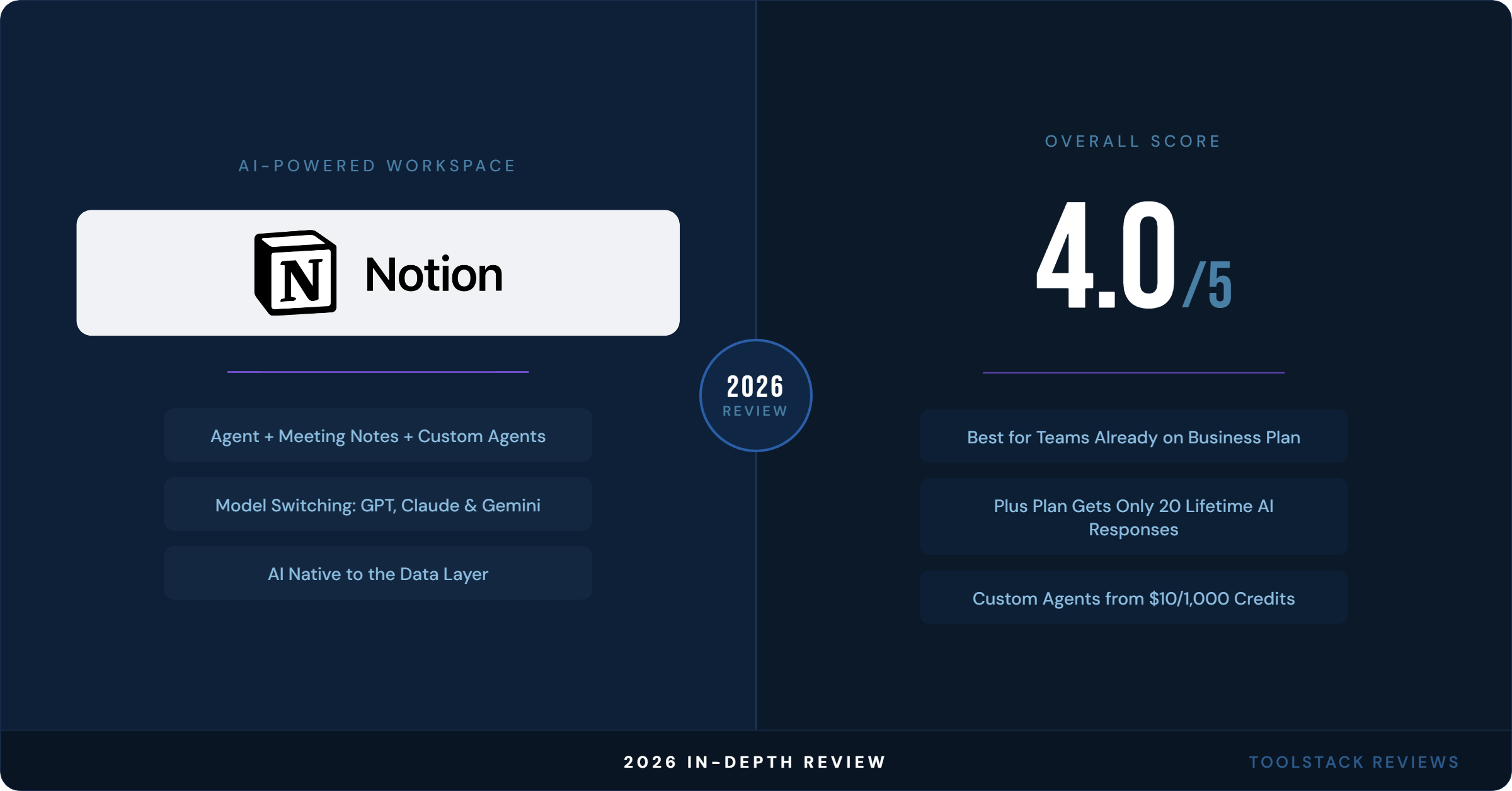
Overall: 4.0 / 5
Notion AI in mid-2026 is the best version of it yet — genuinely useful agents, excellent meeting transcription, and an architecture that no direct competitor has matched. The problem is that accessing any of it requires $20/seat/month, and the credits-based pricing for Custom Agents adds another variable cost on top of that. For teams already living in Notion who can actually deploy agents against real workflows, the ROI case is there. For individuals or small teams who just want smarter writing help, the price jump is hard to justify.
If you’re evaluating a Business upgrade, start a trial directly on Notion.so — the trial gives you temporary access to all AI features so you can test the Agent before committing.
FAQ: Notion AI 2026
Does Notion AI cost extra on top of the regular plan?
On the Business plan ($20/seat/month), all core AI features — including Notion Agent, AI Meeting Notes, Enterprise Search, and Research Mode — are included at no extra charge. Custom Agents carry a variable cost: $10 per 1,000 Notion credits/month, which started May 4, 2026. Free and Plus users get only 20 lifetime AI responses total, with no upgrade path to unlimited AI below the Business tier.
Is Notion AI safe for confidential business data?
Notion has contractual agreements with its LLM subprocessors prohibiting them from using customer data for model training. It’s SOC 2 Type II and ISO 27001 certified, and GDPR/CCPA compliant. On Enterprise, Notion offers zero data retention with LLM providers and HIPAA support. Non-Enterprise plans have a 30-day LLM data retention window. Verify details at notion.so/help/notion-ai-security-practices.
What’s the difference between Notion Agent and Custom Agents?
Notion Agent is your personal, on-demand AI assistant — you prompt it and it works through multi-step tasks in real time, up to 20 minutes per session. Custom Agents are autonomous bots you configure to run on schedules or triggers without any human input. Think of Notion Agent as a smart assistant and Custom Agents as automated teammates that run 24/7.
Can Notion AI connect to tools outside Notion?
Yes, but with important limits. Notion AI can read from connected tools including Slack, Google Drive, GitHub, Jira, Salesforce, Box, and more. However, as of June 2026, it cannot write back to those tools — no posting Slack messages, no assigning Jira tickets, no updating Salesforce records. It surfaces and synthesizes information; it doesn’t take action outside Notion.
How does Notion AI compare to ClickUp Brain on price?
ClickUp includes its Brain AI on the Business plan at $12/seat/month (billed annually). Notion requires the Business plan at $20/seat/month for equivalent AI access. For a team of 10, that’s a $960/year difference. Notion’s AI is more deeply integrated into the workspace architecture, but ClickUp Brain covers most writing and task automation use cases at a lower price point. See our full ClickUp vs Notion comparison for a detailed breakdown.
⬇ FREE DOWNLOAD
Get The Lean Creator Stack
8 tool categories. Best free + paid picks for solopreneurs in 2026.