
Last updated: July 2026
Make.com Review 2026: The Best Zapier Alternative for Solopreneurs?
Zapier gets the name recognition. Make.com gets the credits to actually run your automations without the bill exploding. If you’ve outgrown Zapier’s per-task pricing or you’re staring down a workflow with five branches and three filters, Make is the tool most automation nerds will point you toward — and after digging through the current pricing page, the credit math, and what real users say in 2026, it’s easy to see why.
This isn’t a “both are great, pick your favorite” review. Make and Zapier solve the same problem in different ways, and the differences matter a lot more once you’re past your first five automations.
What Is Make.com?
Make (formerly Integromat, now owned by Celonis) is a visual automation platform where you build “scenarios” — flowcharts that connect apps, transform data, and run on a schedule or a trigger. According to Make’s own homepage, the company was founded in 2015 and now serves 400,000+ organizations across 200+ countries. It connects to 3,000+ apps out of the box, with HTTP/webhook modules to bridge anything that doesn’t have a native integration yet.
The core difference from Zapier: Zapier bills per “task” (roughly one action), while Make bills per “operation” — and a Make operation includes triggers, filters, and iterators, not just the final action. That distinction matters more than most comparison articles let on, and it’s the first thing to understand before picking a plan.
Make.com Pricing 2026: Every Plan, Verified
Pricing below is pulled directly from Make’s official pricing page as of July 2026, at the 10,000 credits/month tier, billed monthly. Every plan lets you scale the credit pool up (Make offers tiers from 10k all the way to 8M+ credits/month), and annual billing saves 15% or more according to Make’s own pricing toggle.
Free — $0/month
- 1,000 credits/month
- No-code visual workflow builder
- 3,000+ apps
- Routers and filters
- 15-minute minimum interval between scenario runs
No time limit on the free tier — you can stay here indefinitely if your automation needs are light.
Core — $12/month (10,000 credits)
Everything in Free, plus unlimited active scenarios, scheduling down to the minute, higher data transfer limits, and access to the Make API. Third-party pricing trackers report an annual-billing price around $10.59/month at this same tier, consistent with the 15%+ annual discount Make advertises.
Pro — $21/month (10,000 credits)
Everything in Core, plus priority scenario execution, custom variables, and full-text execution log search. This is the plan Make labels “Recommended” on its own pricing page.
Teams — $38/month (10,000 credits)
Everything in Pro, plus team roles and the ability to create and share scenario templates across a team.
Enterprise — Custom pricing
Everything in Teams, plus custom function support, enterprise app integrations, 24/7 support, a dedicated Value Engineering team, overage protection, and advanced security features. Make directs Enterprise prospects to “Talk to sales” — no published number.
One credit-economy detail that trips people up: every module action in a scenario — a Google Sheets row, a Gmail fetch, a filter check — burns one credit. A 10-step scenario running 500 times a month can chew through 5,000+ credits without you noticing until the usage graph spikes. Budget for that before you pick a tier, not after.
Make.com Features: What You Actually Get
Make’s visual canvas supports branching logic (routers), iterators, aggregators, and error handlers that Zapier’s linear zap builder doesn’t attempt to match. If your workflow needs to split based on conditions, loop through an array, or retry failed steps with custom logic, Make’s canvas is built for exactly that — Zapier’s is not, by design.
2026 additions worth knowing about: Make now ships AI Agents (beta), a Make MCP Server for connecting AI models to live business actions, an AI Content Extractor for pulling structured data out of files, and an AI Web Search beta module. Make also added its own Code App, letting you run JavaScript or Python directly inside a scenario for logic that the visual builder can’t express — billed at 2 credits per second of execution time on Pro and above.
The tradeoff for all that power: a steeper learning curve. A hands-on 2026 review from use-apify.com flagged this directly, listing “steeper learning curve” as Make’s core weakness against simpler, linear tools, while praising it for “strong visual logic for complex workflows.”
Make vs. Zapier: What’s Actually Different in 2026
Zapier still wins on raw integration count — it lists roughly 8,000+ app integrations against Make’s 3,000+, per a 2026 comparison from uibakery.io. If you need a connector for an obscure, low-traffic SaaS tool, Zapier is more likely to have a native one already built.
Where Make wins is cost at volume. Multiple independent 2026 pricing breakdowns (trackstack.tech and pxlpeak.com among them) put Make at roughly 3-5x cheaper than Zapier for equivalent automation volume, because Make’s credit-based operations pricing scales more efficiently than Zapier’s per-task model once you’re running complex, multi-step scenarios. If you’re running one simple two-step zap a day, that gap won’t matter. If you’re running a real business process with ten steps firing hundreds of times a month, it adds up fast.
The honest read: Zapier is the better first automation tool for someone who wants to connect two apps in five minutes and never look at it again. Make is the better tool once you’re building something that looks more like software than a shortcut — and you’re already comfortable enough with automation logic to want the extra control.
We covered this matchup in more depth in our Zapier vs Make 2026 comparison if you want the side-by-side breakdown.
Make.com Reviews: What Real Users Say in 2026
Make’s own homepage displays live review badges as of July 2026: 4.8 on Capterra, 4.7 on G2, 4.8 on GetApp, and 4.6 on Gartner Peer Insights. Independently, G2’s Make product page shows a review base of 332 reviews at the time of this check.
The recurring praise across 2026 reviews centers on two things: the visual canvas makes complex logic easier to reason about than a linear zap list, and the credit-based pricing is genuinely cheaper at scale. The recurring complaint is the learning curve — Make expects you to understand operations, iterators, and data mapping in a way Zapier never requires from a first-time user.
Make.com Affiliate Program
Make runs its own affiliate program directly (no third-party network middleman) paying 35% commission on referred users’ subscription payments for 12 months after signup, according to Make’s official affiliate page. Payouts process through Wise, require a minimum of 3 unique paying referrals and a $100 balance, and typically land 2-3 weeks after being requested. Note: Make’s own affiliate FAQ text contains a separate reference to a 24-month commission window for “influencer” affiliates versus the 12-month figure stated everywhere else on the same page — verify your specific terms at make.com/en/affiliate before building content around a specific payout window.
Compared to the affiliate landscape for other automation and workflow tools, this is a strong program — active, in-house, with a real recurring window rather than a one-time bounty.
ToolStack Verdict
| Category | Score (out of 10) | Notes |
|---|---|---|
| Ease of Use | 6.5 | Visual canvas is powerful but has a real learning curve for first-time automators |
| Pricing/Value | 8.5 | 3-5x cheaper than Zapier at equivalent volume per 2026 pricing trackers |
| Feature Depth | 8.5 | Routers, iterators, custom code, and 2026 AI Agent/MCP additions outclass linear automation tools |
| Integrations | 7 | 3,000+ apps plus HTTP/webhook fallback, but fewer native connectors than Zapier’s 8,000+ |
| Support | 7 | Standard on lower tiers; 24/7 support reserved for Enterprise |
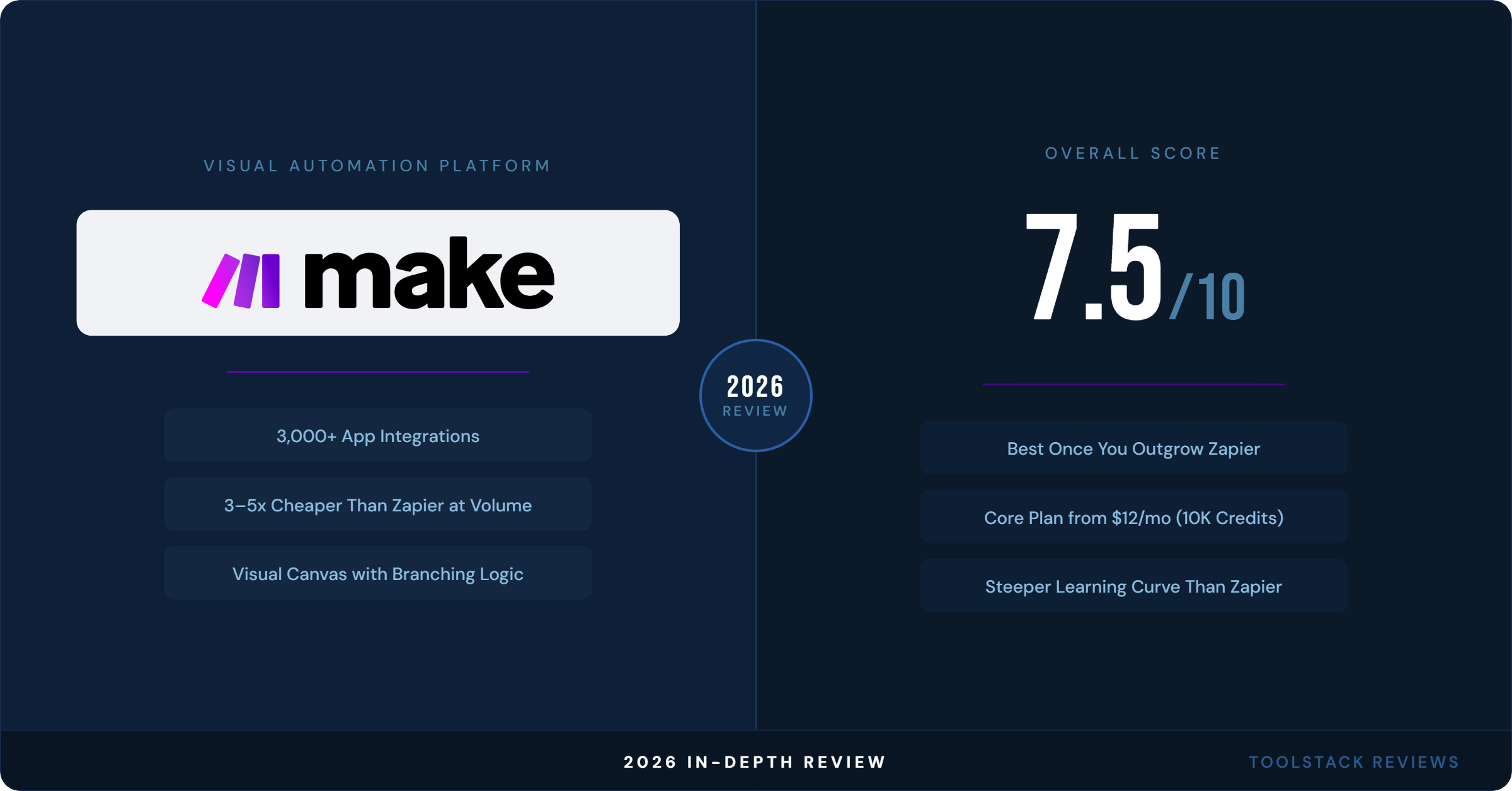
| Overall | 7.5 | Best pick once your automations outgrow Zapier’s simplicity and per-task costs |
Make.com earns its reputation as the automation tool for people who’ve outgrown “connect two apps and forget about it.” If that’s not you yet, start on Zapier’s free tier. If it is you, Make’s Core plan at $12/month gets you unlimited scenarios and 10,000 credits for less than a single Zapier Starter plan — try Make free and see how far the credit pool actually gets you before committing to a paid tier.
FAQ
Is Make.com actually cheaper than Zapier in 2026?
At equivalent automation volume, yes — independent 2026 pricing analyses from trackstack.tech and pxlpeak.com put Make at roughly 3-5x cheaper than Zapier because Make’s operations-based credit model scales more efficiently for multi-step scenarios. For a single simple two-step automation, the price gap is negligible.
What counts as a “credit” on Make.com?
Every module action in a scenario — a trigger, a filter check, a router branch, an app action — consumes one credit, per Make’s official pricing FAQ. A 10-step scenario running once uses roughly 10 credits; the same scenario running 500 times a month uses roughly 5,000 credits.
Does Make.com have a free plan?
Yes. Make’s Free plan includes 1,000 credits/month, the full visual workflow builder, access to 3,000+ apps, and no time limit — you can stay on it indefinitely, though scenarios are limited to a 15-minute minimum interval between runs.
Is Make.com harder to learn than Zapier?
Most 2026 hands-on reviews say yes. Make’s visual canvas supports branching logic, iterators, and custom code that Zapier’s linear zap builder doesn’t offer, which means more power but a real learning curve for first-time automators — several reviewers recommend starting from a pre-built template rather than a blank canvas.
How much commission does the Make.com affiliate program pay?
35% of a referred user’s subscription payments for 12 months after they sign up through your link, according to Make’s official affiliate page. Payouts go through Wise and require a $100 minimum balance plus 3 paying referrals before your first payout.
⬇ FREE DOWNLOAD
Get The Lean Creator Stack
8 tool categories. Best free + paid picks for solopreneurs in 2026.